

Last updated August 18, 2026 · Editorially reviewed by CanzarTV
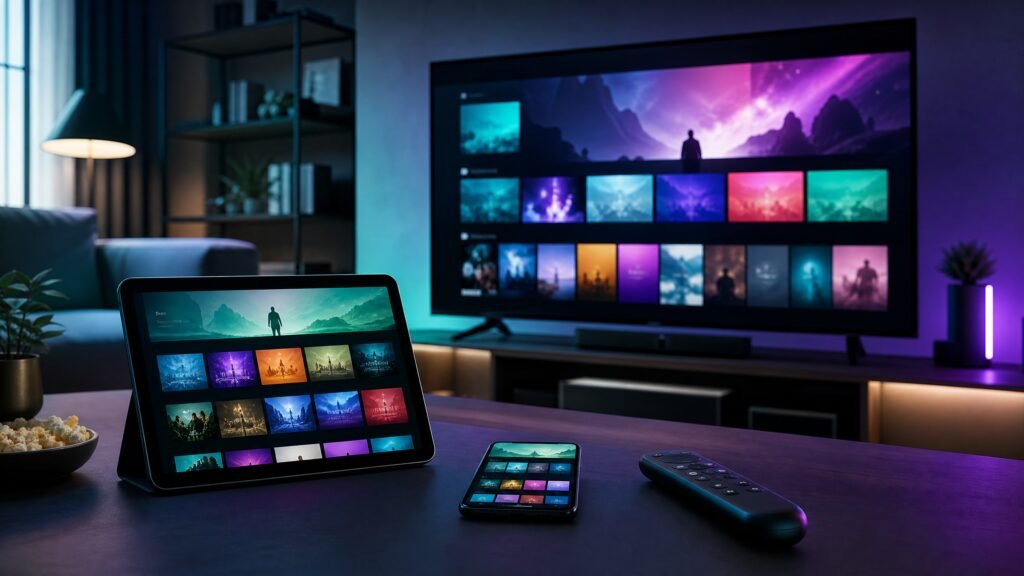
The Future of Interactive TV: Gaming and Shopping via IPTV is arriving at a steady pace. IPTV platforms are no longer just passive delivery systems for channels and on-demand video; they are becoming interactive platforms where viewers can play casual games, make purchases, and engage with content in real time. For streaming-savvy consumers in 2026, understanding how these features work and how to prepare your home setup will help you get the best experience while protecting performance, privacy and legal compliance.
What “interactive TV” means on IPTV
Interactive TV on IPTV ties two capabilities together: a low-latency media delivery path and a return channel that carries user input, transactions and metadata. Unlike linear broadcast, IPTV typically runs over managed IP networks or broadband and supports advanced apps on set-top boxes, smart TVs, or companion devices. That makes it feasible to integrate things like cloud-assisted games, overlay-based shopping, interactive polls, and synchronized second-screen experiences.
How gaming and shopping are implemented
There are several technical approaches providers use to enable interactive features:
- Native apps on a smart TV or set-top box that render interactive overlays and handle user input locally.
- Cloud gaming integration, where the controller input is sent to a remote server that streams the rendered video back to the viewer.
- Web-based or HTML5 experiences embedded in the IPTV app that use a bi-directional data channel for events and purchases.
- Second-screen workflows where a phone or tablet acts as the input device and wallet for a TV-driven interaction.
All of these depend on secure authentication, DRM for protected media, and reliable payment processing. Because implementations vary by vendor, check the current documentation from your device and service provider for specifics.
Practical setup steps for home users
To prepare for gaming and shopping on IPTV, follow a stepwise approach:
- Confirm device compatibility: Verify that your smart TV, streaming stick, or set-top box supports the provider’s interactive apps and any required DRM or cloud gaming clients. Consult manufacturer documentation for the latest supported models and firmware requirements.
- Use a robust network connection: For low-latency interactions and cloud gaming, prefer a wired Ethernet connection or a high-quality Wi‑Fi 6/6E setup placed close to the router. Configure Quality of Service (QoS) if your router supports it, prioritizing IPTV traffic when needed.
- Install/provider apps and sign in: Download the provider’s official app, sign in with your account, and enable necessary permissions. Use a strong, unique password and enable two-factor authentication where available.
- Configure input devices: Pair controllers or ensure your remote supports voice and pointer functions. For gaming, use controllers officially supported by the platform for best responsiveness.
- Test before committing: Run latency and bandwidth tests, try a short game session or a mock shopping flow, and check audio/video sync and responsiveness.
Selection criteria and performance considerations
When choosing hardware or a service for interactive IPTV, pay attention to these factors:
- Processing power and GPU capabilities of the device to handle overlays, local app rendering, or light client-side gaming.
- Network latency and throughput; cloud gaming and real-time interactions are sensitive to round-trip delay more than raw throughput alone.
- Supported input methods, including controller compatibility, Bluetooth latency, and remote ergonomics.
- DRM and codec support to ensure protected content plays correctly while maintaining synchronization with interactive layers.
- Battery life and ergonomics of controllers for extended gaming sessions.
Because performance depends on the full chain — device, app, network and backend — benchmark your setup with the provider’s recommended tests and confirm current compatibility with vendor documentation.
Privacy, security and legal cautions
Interactive IPTV involves personal data and financial transactions, so take privacy and legal considerations seriously:
- Review privacy policies and permission prompts for what data the interactive app collects. Limit unnecessary access to contacts, location, or microphone unless needed for a feature and you trust the provider.
- Use secure payment flows. Prefer providers that use tokenized payments or established payment processors rather than submitting card data directly within an app without clear safeguards.
- Keep firmware and apps up to date to receive security patches, and change default device passwords.
- Only access content and interactive services you are entitled to. Unofficial or unlicensed IPTV services can violate local laws and may put you at risk; confirm legality in your jurisdiction and use licensed providers.
A practical checklist
- Confirm device and app compatibility with the provider’s current documentation.
- Prefer Ethernet or quality Wi‑Fi; enable QoS for IPTV traffic where possible.
- Use a controller supported by the platform and test input latency before long sessions.
- Enable two-factor authentication and use tokenized payment methods when available.
- Keep software and firmware updated and review privacy settings in the app.
Interactive TV via IPTV offers a compelling blend of entertainment and commerce, but delivering a smooth and secure experience requires attention to hardware, networking, and privacy practices. Confirm specifications with your device manufacturer and service provider, use only licensed content and services, and test your setup before relying on it for purchases or competitive gaming.
To explore subscription plans and interactive features, review CanzarTV’s subscription options and contact our support team if you have questions about compatibility, setup, or best practices. We’re happy to help you get the most from your interactive IPTV experience.

Canzar
Ready to stream? Pick your plan
Live TV, movies, sports and 10,000+ channels on any device — Firestick, Android TV, Smart TV, phone.
View Subscription Plans Compare Pricing
Moderation: Comments are reviewed before publishing. Be respectful and on-topic.
Guidelines: Share streaming tips, device help, or content recommendations. No spam, no promotions, no off-topic links.