
Last updated August 20, 2026 · Editorially reviewed by CanzarTV

As IPTV and streaming services continue to replace linear television, the regulatory framework around internet traffic — commonly discussed as net neutrality — remains a key factor shaping picture quality, latency, and user experience. In 2026, the interaction between ISP traffic policies, content delivery technology, and consumer setup choices determines whether viewers get a smooth 4K stream or buffering and pixelation during peak hours. This article explains how net neutrality affects IPTV quality, what you can control, and the practical choices to protect your viewing experience.
What net neutrality means for IPTV quality
Net neutrality is the principle that internet service providers should treat all lawful traffic equally. Applied to IPTV, it affects whether ISPs can intentionally slow, block, or prioritize certain video streams. Where strong net neutrality protections exist, ISPs are limited in applying paid prioritization or discriminatory throttling, which helps maintain consistent bandwidth and latency for streaming. Conversely, in places with weaker protections, ISPs may implement traffic management practices — such as paid prioritization arrangements with specific content providers or zero‑rating certain services — that can create uneven quality across services.
Key technical pathways by which policy affects performance
- Paid prioritization: When allowed, ISPs can give preferential routing or less congestion to partners, improving those streams’ quality while others may suffer during congestion.
- Traffic shaping and throttling: ISPs may limit peak bitrate for specific traffic types, directly impacting adaptive bitrate streams and causing lower resolution playback.
- Peering and interconnection: Neutral policies don’t solve poor peering, but regulatory pressure can encourage fair interconnection, reducing packet loss and transit delays between CDN and ISP networks.
- Zero‑rating and bundles: Exempting certain services from data caps can boost their attractiveness and performance for subscribers, but may disadvantage competitors.
How IPTV architecture mitigates or magnifies policy effects
Modern IPTV services use a mix of technologies — CDNs, regional caching, multicast for linear channels, and adaptive bitrate (ABR) over HTTP — to deliver content. These approaches interact differently with ISP policies:
- CDNs and caching reduce the need for long-haul transit and are effective where ISPs allow cache deployment close to end users. If ISPs restrict cache placement or favor certain providers, performance gaps can appear.
- ABR streaming adapts to available bandwidth, so when an ISP throttles bandwidth, ABR will drop to lower resolutions rather than causing total outages. That preserves continuity but degrades quality.
- Multicast is bandwidth-efficient for live linear channels but requires ISP support in the access network. If ISPs don’t support multicast, providers must fall back to unicast, increasing congestion risk during peak events.
Practical setup and selection steps to protect stream quality
While regulatory frameworks are largely outside your control, you can take practical steps to maximize IPTV quality at home and choose services that are resilient to policy-driven variability.
Choose the right ISP and plan
Look for ISPs with transparent traffic management policies, published interconnection and peering status, and options for higher‑quality tiers or managed services. Confirm current terms and technical documentation from the ISP before subscribing — these change over time.
Optimize your home network
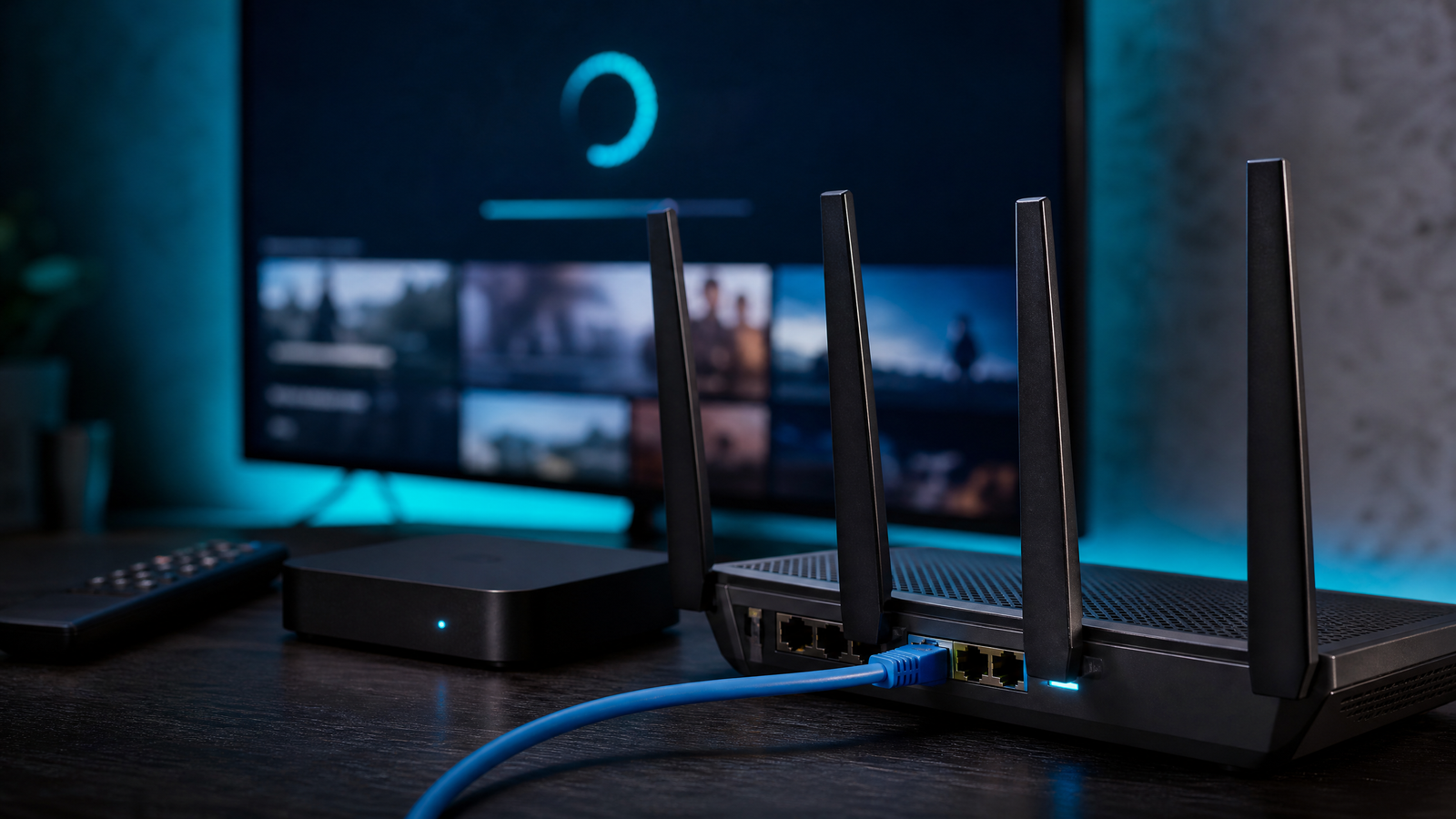
- Use wired Ethernet for your set‑top box or streaming device whenever possible to reduce jitter and packet loss that are common on congested Wi‑Fi.
- Configure router QoS to prioritize your IPTV device or application traffic. Many modern routers support DiffServ markings; consult your device and ISP documentation.
- Choose equipment that supports current Wi‑Fi standards (Wi‑Fi 6/6E in 2026) if you must use wireless, and place access points to minimize interference.
Pick resilient IPTV services and devices
Select providers that use major CDNs, have a history of deploying edge caches, and support ABR with wide bitrate ladders. For set‑top boxes and smart TVs, prioritize hardware that receives regular firmware/security updates and supports modern codecs and network features. Always confirm device specifications and provider capabilities with their current documentation.
Performance testing and monitoring
Measure throughput, latency, jitter, and packet loss during different times of day to understand real‑world performance. Use tools provided by your IPTV service or third‑party network testing utilities. If you see consistent drops that correlate with certain services or times, consult your ISP’s traffic management policy and the IPTV provider’s support channels before making changes.
Privacy, encryption, and VPN considerations
Encryption between the IPTV client and servers (TLS/HTTPS or DTLS) protects stream content and metadata. However, using a VPN can affect performance: it routes traffic through an extra hop, may increase latency, and can interfere with peering and CDN selection logic, which can reduce stream quality. Additionally, some ISPs or IPTV services prohibit VPN usage in their terms. Balance privacy needs against potential performance impacts, and verify provider policies.
Legal and licensing cautions
Always use IPTV services and channels you are authorized to access. Unlicensed distribution of television content is unlawful in many jurisdictions and can expose you to legal and security risks. If availability or price drives you toward questionable sources, consider legitimate alternatives — such as licensed OTT services, broadcaster apps, or negotiating packages with authorized providers. Check local rules and licensing requirements for streaming and IPTV in your country.
A practical checklist
- Review your ISP’s traffic management and interconnection policies before signing up.
- Prefer wired connections for set‑top boxes and high‑bitrate streams.
- Configure router QoS and prioritize IPTV device traffic where possible.
- Choose IPTV services that deploy CDNs and edge caching and support ABR.
- Test network performance at different times and keep device firmware updated.
- Confirm the legality of the content you access and follow provider terms.
Net neutrality shapes the broad environment in which IPTV delivers content, but in 2026 the difference between buffering and flawless playback often comes down to ISP transparency, CDN strategy, home network setup, and the rights and terms surrounding the service. Review the specifications and policies of ISPs, devices, and IPTV providers before committing, and implement the network and device practices described above to preserve quality.
Please review CanzarTV’s subscription options and contact our support team if you have questions about service compatibility, setup, or policy impacts on stream quality. We’re here to help you get the best possible viewing experience.

Canzar
Ready to stream? Pick your plan
Live TV, movies, sports and 10,000+ channels on any device — Firestick, Android TV, Smart TV, phone.
View Subscription Plans Compare Pricing
Moderation: Comments are reviewed before publishing. Be respectful and on-topic.
Guidelines: Share streaming tips, device help, or content recommendations. No spam, no promotions, no off-topic links.