
Last updated August 24, 2026 · Editorially reviewed by CanzarTV
Introduction
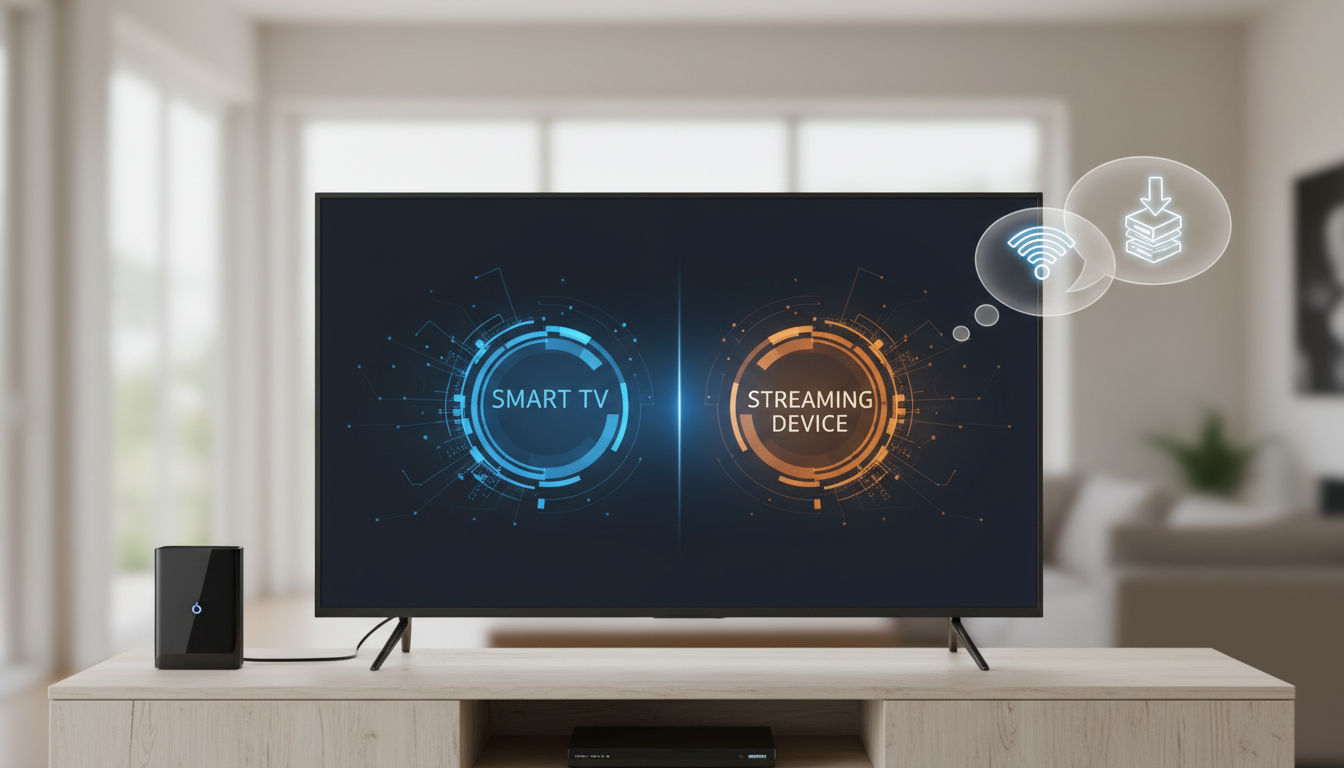
Choosing between using a smart TV’s built-in software and buying a separate streaming device is a common decision for anyone setting up or upgrading a home TV. Both approaches let you watch subscription services, free ad-supported channels, and rent or buy digital movies, but they differ in control, update cadence, and features. Understanding those differences helps you match your setup to how you watch, where you keep your TV, and how long you expect to keep using it.
This guide explains the practical trade-offs between a smart TV and a separate streaming box or streaming stick, outlines the key decision criteria to consider, and gives a step-by-step approach to help you pick the option that best fits your living room, bedroom, or travel needs.
What to know first
- Definitions: A smart TV integrates an internet-connected platform and apps directly into the television set. A streaming device is an external component—commonly a small streaming stick that plugs into HDMI or a slightly larger streaming box connected by HDMI and often Ethernet—that provides similar streaming functionality through its own operating system.
- Core similarity: Both approaches aim to deliver streaming services, but they differ in who controls the software (TV manufacturer vs device maker), how updates are delivered, and how quickly new apps or features arrive.
- Primary trade-off: Convenience and an uncluttered setup favor built-in smart TV platforms; flexibility, upgradability, and often better performance or features favor separate streaming sticks/boxes.
Main guide
How smart TVs and streaming devices differ
- User interface and consistency
- Smart TVs: The TV manufacturer designs the interface and app storefront. The layout, navigation, and remote behavior vary widely by brand and model.
Streaming devices: Typically provide a consistent interface across different TVs. If you move the device between rooms or to another TV, the experience remains the same.
Software updates and app availability
- Smart TVs: App availability and system updates depend on the TV maker’s support policy. Over time, older TV models may lose app updates or new app additions.
Streaming devices: Often updated by the device platform provider; replacing a device can be a fast way to regain modern features if a TV’s platform is no longer supported.
Performance and responsiveness
- Smart TVs: Performance varies with the TV’s internal hardware. Mid-range or older smart TVs may have slower app load times and navigation.
Streaming devices: Designed specifically for streaming; many models offer faster app launches and smoother navigation than aging TV platforms.
Connectivity and ports
- Smart TVs: Built-in Wi‑Fi and sometimes Ethernet. HDMI inputs are shared among sources; passthrough features vary.
- Streaming devices: Can add features such as Bluetooth, better Wi‑Fi radios, Ethernet (via adapter or native port), and more flexible audio passthrough options for receivers.
Key decision criteria (what to weigh)
H3: Viewing habits and content needs
– If you rely on a small set of apps that your smart TV supports well, built-in apps may be sufficient.
– If you use niche apps, game streaming, or cutting-edge codecs and want frequent app updates, a streaming box or stick gives a better chance of continued compatibility.
H3: Lifespan and upgrade plan
– TVs often stay in service for many years. If you plan to keep your TV long-term, consider a separate streaming device so you can upgrade streaming features without replacing the TV.
– If you replace TVs regularly, the convenience of one integrated platform might be preferable.
H3: Performance and responsiveness
– If fast app switching, smooth menus, and low latency for casual gaming matter, look for a capable streaming device.
– For passive viewing of established streaming services, many smart TVs offer acceptable performance.
H3: Audio, video, and home-theater integration
– If you have a surround-sound receiver or need advanced audio passthrough (Dolby Atmos, ATMOS-like formats) and consistent HDMI ARC/eARC behavior, verify whether the TV’s built-in platform or a device supports the audio configuration you require.
– Some devices offer more mature audio settings and options to simplify integration with soundbars and receivers.
H3: Remote control, accessibility, and smart home
– Consider remote ergonomics, voice control, and accessibility features. Streaming devices sometimes offer more robust voice assistants and universal remotes; some TV remotes integrate TV controls and platform features in one unit.
– If smart-home integration is important, check which ecosystems (voice assistants, smart hubs) are supported by the TV and device.
H3: Portability and multiple TVs
– A streaming stick is easy to move between bedrooms, hotel rooms, or vacation TV setups. If you want a consistent interface across multiple TVs, a device makes that simpler than relying on multiple TVs’ built-in platforms.
Practical steps to choose and set up
H3: Step 1 — Audit your apps and subscriptions
– Make a list of must-have apps and any special-use apps (e.g., regional services, niche sports or news apps). Confirm whether those apps are available on your TV’s built-in platform; if not, a streaming device that supports them may be required.
– Check account needs or multi-profile handling for the major services you use.
H3: Step 2 — Evaluate the TV’s current performance and support
– Try the TV’s built-in app store and navigation—note speed, responsiveness, and whether updates appear to be recent.
– Look up the manufacturer’s software update policy to understand how long the platform will likely receive updates. Verify this at publication time.
H3: Step 3 — Match hardware connections and audio requirements
– Confirm HDMI version and whether the TV supports ARC or eARC if you use a soundbar or receiver; check whether the device you plan to buy supports the same features.
– For Ethernet or better Wi‑Fi reliability in media-heavy homes, consider a device with native Ethernet or an adapter option.
H3: Step 4 — Test remotes and controls
– If possible, test a remote for comfort and functionality—voice search, back button behavior, power and volume integration with the TV, and universal control features.
– Remember that some TVs let you control basic playback via mobile apps; evaluate whether that is acceptable for your household.
H3: Step 5 — Decide on a purchase or trial approach
– If you’re unsure, buying a low-cost streaming stick or borrowing one for a trial period is often the least disruptive way to compare experiences.
– When replacing a TV primarily because of software limitations, consider whether a streaming device would be a simpler and more economical upgrade.
Trade-offs and scenarios
- Living room main TV (home theater focus): If you prioritize audio formats, gaming, and frequent feature updates, a separate streaming box offering advanced audio passthrough and low latency is often the better choice.
- Secondary TVs and bedrooms: A streaming stick is convenient for bedrooms or guest rooms where portability and compactness matter. Built-in smart apps can be fine if the TV’s platform is responsive.
- Older TVs: A streaming stick or box can modernize an older TV without replacing it, adding access to current apps and faster navigation.
- Shared households: If family members want consistent profiles and the same app behavior across rooms, a single streaming platform you standardize on across devices may make sense.
Common mistakes
- Assuming built-in apps will be updated indefinitely: Manufacturers can stop updating platforms, which can cause apps to become unavailable or lag behind new features. Verify update policy and support lifecycle.
- Overlooking audio and HDMI details: Buying a TV or device without checking HDMI ARC/eARC and passthrough capabilities can break surround-sound setups or limit advanced audio formats.
- Choosing solely on price: Very low-cost devices may save money up front but deliver poor performance, limited updates, or weaker Wi‑Fi—evaluate value, not just sticker price.
- Neglecting remote ergonomics and accessibility: A clumsy remote or poorly designed interface can make everyday use frustrating, especially for households with less tech experience.
- Ignoring network reliability: A great device or TV won’t stream well on a poor Wi‑Fi connection. Check Wi‑Fi strength in the viewing area and consider Ethernet or a better router if needed.
- Failing to test app compatibility: Even mainstream services can have different feature sets across platforms; verify that the platform supports the specific features you use (e.g., profiles, 4K with HDR, subtitles).
- Assuming one solution fits every room: The best option for a main living-room TV may differ from a bedroom or travel setup—mixing device types across rooms can be a practical solution.
FAQ
Can I use a streaming device with any TV?
Yes — most streaming sticks and boxes connect via HDMI and will work with any TV that has a compatible HDMI input. Some older TVs may lack HDMI or have older HDMI versions that constrain certain advanced features; check the TV’s ports and your audio/video needs before purchasing.
If my TV has built-in apps, do I still need a streaming box or stick?
Not necessarily. Built-in apps may be perfectly adequate if they support the services you use and the TV performs smoothly. Choose a separate device if you want better performance, more frequent updates, portability, or specific audio/video features not available on the TV’s platform.
Will switching to a streaming device affect my subscriptions or accounts?
No—your streaming subscriptions and accounts remain the same. You’ll simply sign in to your services on the new device. If you use multiple profiles or household management features, confirm that those features are supported on the device’s app versions.
Conclusion
There’s no one-size-fits-all answer to smart TV vs streaming device. Built-in smart TV platforms offer convenience and a clean setup, while streaming sticks and boxes provide upgradability, consistent interfaces, and often better performance. Assess your app needs, audio setup, how long you plan to keep the TV, and whether portability matters. If uncertain, trial a streaming stick on your current TV—it’s often the quickest way to discover whether you prefer an external device or the TV’s integrated experience.
Next action: make a short checklist of your must-have streaming apps, audio requirements, and whether you need portability; use that to test your TV’s built-in platform or to compare a streaming stick/box before buying.

Canzar
Ready to stream? Pick your plan
Live TV, movies, sports and 10,000+ channels on any device — Firestick, Android TV, Smart TV, phone.
View Subscription Plans Compare Pricing
Moderation: Comments are reviewed before publishing. Be respectful and on-topic.
Guidelines: Share streaming tips, device help, or content recommendations. No spam, no promotions, no off-topic links.