
Last updated August 18, 2026 · Editorially reviewed by CanzarTV

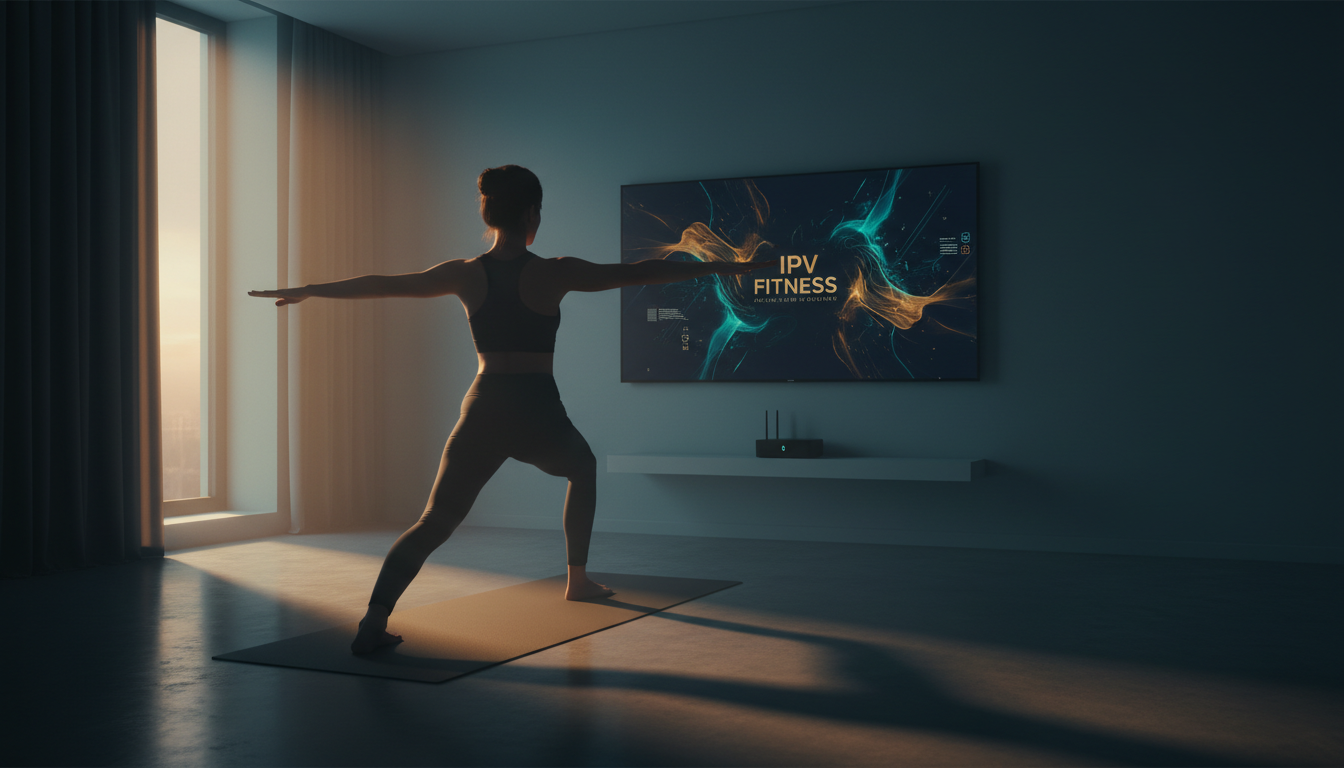
IPTV can make home workouts more flexible, interactive, and media-rich by delivering live classes and on-demand fitness channels directly to your TV, tablet, or phone. This article explains how to use IPTV for fitness and home workouts in 2026, covering the concepts, practical setup steps, selection criteria, performance considerations, privacy, and legal cautions so you get reliable, high-quality sessions without surprises.
What IPTV for fitness means
IPTV (Internet Protocol Television) refers to delivering television-like video over IP networks rather than traditional broadcast or cable systems. For fitness this includes live instructor-led classes, scheduled channel-style fitness programming, and on-demand workout libraries accessed through streaming apps or set-top devices. IPTV workflows in 2026 commonly use adaptive formats such as HLS or DASH and modern codecs (confirm current codec support with your device manufacturer) to balance quality and latency.
Benefits of using IPTV for workouts
Key advantages include:
- Big-screen visibility: follow form and cues more easily when mirrored to a TV.
- Live interaction: attend instructor-led classes in real time where available.
- Flexible scheduling: access on-demand libraries to fit your routine.
- Multi-device: start a class on your phone and cast to your TV or use a tablet as a secondary display for metrics.
Selecting the right content and services
Choose services that match your goals—live group classes, pre-recorded workouts, or specialty streams (yoga, HIIT, mobility, rehab). When evaluating a provider or channel, check:
- Content licensing and terms of use—make sure you’re entitled to view and redistribute the stream within your household.
- Format and delivery—does the service use HLS/DASH or a proprietary app? Confirm device compatibility.
- Subscription model—single payment, recurring subscription, or included as part of a broader streaming package.
- Ability to download or cache workouts for offline use if you have limited connectivity.
Essential equipment and network setup
For reliable IPTV workouts, assemble a simple ecosystem:
- Playback device: smart TV, streaming box, or cast-capable stick that supports the service’s app or a web player. Verify current device compatibility in the provider’s documentation.
- Secondary device: smartphone or tablet for control, metrics, or instructor interaction (camera, heart-rate feed, etc.).
- Network: a robust home network with enough bandwidth. For single 1080p streams, a stable broadband connection is sufficient; for 4K or multiple simultaneous streams, plan for higher throughput. Always confirm recommended bandwidth with the content provider.
- Optional: a dedicated Bluetooth speaker or smart speaker for clearer audio during workouts, and a camera or wearable for interactive classes when the service supports two-way features.
Network tips
To minimize buffering and latency during live classes, favor wired Ethernet where possible or a high-quality dual-band Wi‑Fi connection. If your router supports Quality of Service (QoS), give priority to the streaming device or app you use for workouts. For multi-room setups, ensure each room’s device has sufficient local bandwidth, especially if multiple streams will run at once.
Configuring apps and devices
Set up ensures smooth sessions:
- Install the official app from the IPTV or fitness provider onto your playback device or use a supported web player. Confirm installation steps in the provider’s setup guide.
- Sign in with the account authorized for the service—do not share access in violation of terms.
- Pair secondary devices for casting or remote control; test video and audio before your scheduled workout.
- Adjust playback quality to match network conditions. Some apps allow manual selection between SD/HD/4K.
Playback and training UX tips
Design your physical space and app settings for safe, effective workouts:
- Place the display at a comfortable height and angle so you can see the instructor and your form simultaneously.
- Keep a small, dedicated “workout” profile in the app with saved classes and preferred playback settings to reduce setup time.
- Use picture-in-picture or split-screen features (if supported) to view instructor cues while monitoring metrics or a live video feed of yourself for form checks.
- For live classes, arrive early to test audio and communications if there’s a chat or voice component.
Performance and device compatibility considerations
Different devices and networks will affect the streaming experience. Modern codecs like HEVC and AV1 can reduce bandwidth needs but may not be supported on older hardware—always check current manufacturer documentation. Latency is less critical for on-demand workouts but important for live interactive classes; low-latency streaming options improve real-time feedback. If playback stalls, reduce resolution or close other high-bandwidth apps on the same network.
Privacy and data
Fitness apps and IPTV services can collect personal data such as workout history, biometric metrics, and device information. Review the provider’s privacy policy and limit sharing of sensitive data where possible. If you join live interactive sessions that request video or camera access, be mindful of what’s visible in your background and who can view the feed.
Legal and licensing cautions
Only use IPTV channels and fitness content you are legally authorized to access. Unauthorized streams or redistribution of copyrighted workouts can violate local law and provider terms. If you’re unsure about licensing or geographic restrictions, consult the service’s terms of use and check rules that apply in your country.
A practical checklist
- Confirm the fitness IPTV service supports your playback device and app.
- Test your home network speed and prioritize the streaming device for workouts.
- Set up a clear, safe exercise area with an unobstructed view of the screen.
- Review privacy settings and only share biometric or camera feeds when necessary and secure.
- Verify you are legally entitled to access the content and follow provider terms.
IPTV can transform home workouts into a convenient, immersive experience when you pick compatible devices, secure network performance, and respect privacy and licensing rules. To explore fitness channels and streaming packages tailored to home workouts, review CanzarTV’s subscription options and contact our support team if you have questions—we’re happy to help you find the right setup.

Canzar
Ready to stream? Pick your plan
Live TV, movies, sports and 10,000+ channels on any device — Firestick, Android TV, Smart TV, phone.
View Subscription Plans Compare Pricing
Moderation: Comments are reviewed before publishing. Be respectful and on-topic.
Guidelines: Share streaming tips, device help, or content recommendations. No spam, no promotions, no off-topic links.