

Last updated August 18, 2026 · Editorially reviewed by CanzarTV
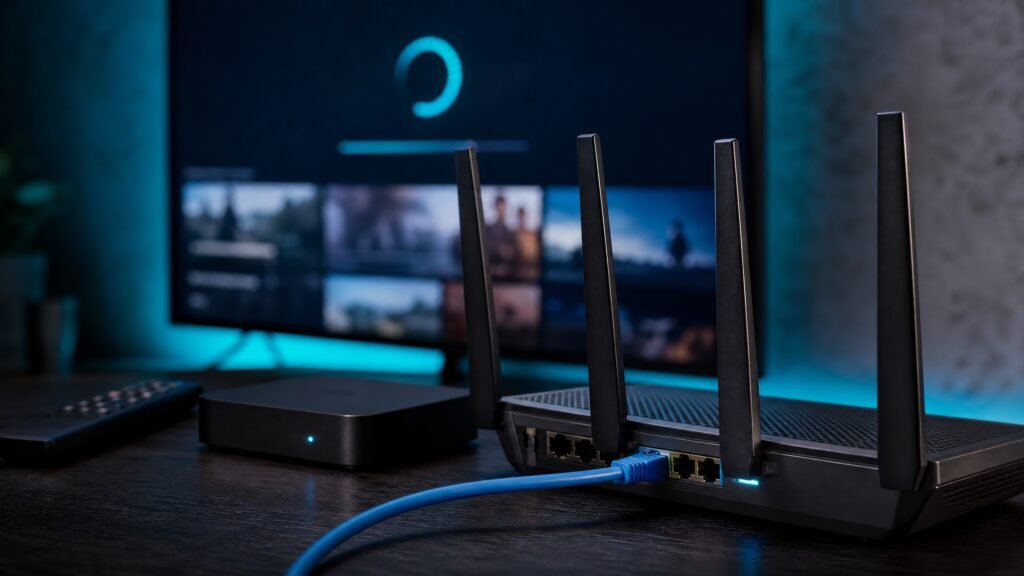
Setting up IPTV on a Linux-based streaming device can give you a flexible, efficient way to watch live channels, on-demand content, and personal recordings. Whether you’re using a single-board computer, a Linux set-top box, or a customizable TV appliance, the same principles apply: choose the right software, configure network and hardware decoding, and stay mindful of privacy and licensing. This guide walks through practical steps and decision points for 2026 streaming setups.
Understand the architecture: player vs. backend
IPTV setups typically separate two roles. A player (client) decodes and displays video on your screen. A backend (server) receives streams, manages electronic program guides (EPG), records shows, and transcodes when necessary. On Linux devices you can run both on the same machine or distribute them across your home network.
Common software choices
Use reputable, actively maintained software. Open-source media centers and players (for example those that support M3U playlists and XMLTV guides) are widely used alongside network services like TV headends and DVR backends. Check current developer documentation for installation instructions and compatibility with your distribution.
Selection criteria for a Linux streaming device
When choosing hardware and an OS for IPTV, evaluate these factors:
- Hardware decoding: Choose a platform with reliable hardware video acceleration for H.264, H.265/HEVC, and AV1 if you expect modern streams. Confirm the chipset and driver support with the manufacturer.
- CPU and memory: If you intend to transcode or run a DVR backend, pick a CPU with headroom and sufficient RAM. Transcoding is CPU-intensive; many users avoid it by letting clients handle decoding.
- Network: Prefer wired Ethernet for consistent bandwidth. If using Wi‑Fi, use a modern standard (Wi‑Fi 5/6/6E) and a strong signal, especially for high-bitrate channels.
- Storage: For recording, choose reliable storage and consider SSDs for responsiveness. Plan capacity based on how much you intend to keep.
- Software compatibility: Confirm community or vendor support for your chosen distribution, kernel, and drivers. Documentation and active forums are valuable.
Step-by-step setup
-
Prepare the device
Install a supported Linux distribution or vendor image that matches your device. Update packages and firmware per manufacturer instructions; kernel and driver versions affect video acceleration and network stability.
-
Install your player and/or backend
Install a media center (client) like a player that supports IPTV playlists and EPG. If you need a backend, install a headend/DVR package on the machine that will serve channels. Follow the official installation steps from project documentation rather than third-party guides when possible.
-
Obtain legitimate playlists and guide data
Add M3U playlists or provider-supplied stream lists and subscribe to legitimate EPG/XMLTV sources for program information. Avoid unverified third-party playlists that may violate rights or reliability.
-
Configure network and ports
On a local setup, ensure your client can reach the backend on the LAN. If remote access is required, secure and restrict ports, use authenticated access, and prefer a VPN tunnel over opening broad ports to the internet.
-
Enable hardware acceleration
Enable and test hardware decoding in your player and backend. Check logs and test a range of channels to confirm smooth playback. If playback stutters, compare CPU usage and check whether network bandwidth or decoding is the bottleneck.
-
Test recording and EPG
Schedule test recordings and verify file integrity, metadata, and playback. Confirm that EPG mapping matches channels and times; adjust time zone and guide offsets if needed.
Performance considerations and troubleshooting
Key performance factors are decoding capability, network throughput, and storage I/O. If you experience buffering or dropped frames, isolate the cause by testing local playback of sample files, checking link speeds, and monitoring CPU/GPU load. On multi-client systems, avoid single-device transcoding for many streams; instead use clients capable of direct play or distribute backend tasks to a more powerful machine.
Network tips
- Use gigabit Ethernet where possible. For multiple 4K streams, wired connections are more reliable than Wi‑Fi.
- Set quality-of-service (QoS) on your router to prioritize streaming traffic if your network is shared.
- If you must use Wi‑Fi, place the device closer to the access point and avoid crowded channels.
Privacy, security, and legal cautions
Respect privacy and follow secure practices: keep software up-to-date, use strong unique passwords for backends, and limit administrative exposure. If you access streams remotely, use encrypted tunnels and multi-factor authentication where available.
Legally, only consume IPTV content you are entitled to access. Licensed IPTV services, free-to-air broadcasters, and content you own are appropriate. Unofficial or unlicensed redistribution of television content can violate copyright and local law; verify permissions and terms for services in your country before subscribing or sharing streams.
A practical checklist
- Confirm device OS, drivers, and hardware-decoding support with vendor documentation.
- Choose a reputable player and backend and install from official sources.
- Use authorized IPTV subscriptions and legitimate EPG sources.
- Prefer wired Ethernet for stable streaming and enable hardware acceleration.
- Secure remote access with VPNs and strong credentials; keep software updated.
Setting up IPTV on a Linux-based streaming device rewards careful hardware selection, clean network configuration, and lawful content sourcing. For tailored guidance, review CanzarTV’s subscription options and contact our support team if you have setup questions or need help choosing compatible software and devices. We’re happy to help.

Canzar
Ready to stream? Pick your plan
Live TV, movies, sports and 10,000+ channels on any device — Firestick, Android TV, Smart TV, phone.
View Subscription Plans Compare Pricing
Moderation: Comments are reviewed before publishing. Be respectful and on-topic.
Guidelines: Share streaming tips, device help, or content recommendations. No spam, no promotions, no off-topic links.