
Last updated August 21, 2026 · Editorially reviewed by CanzarTV

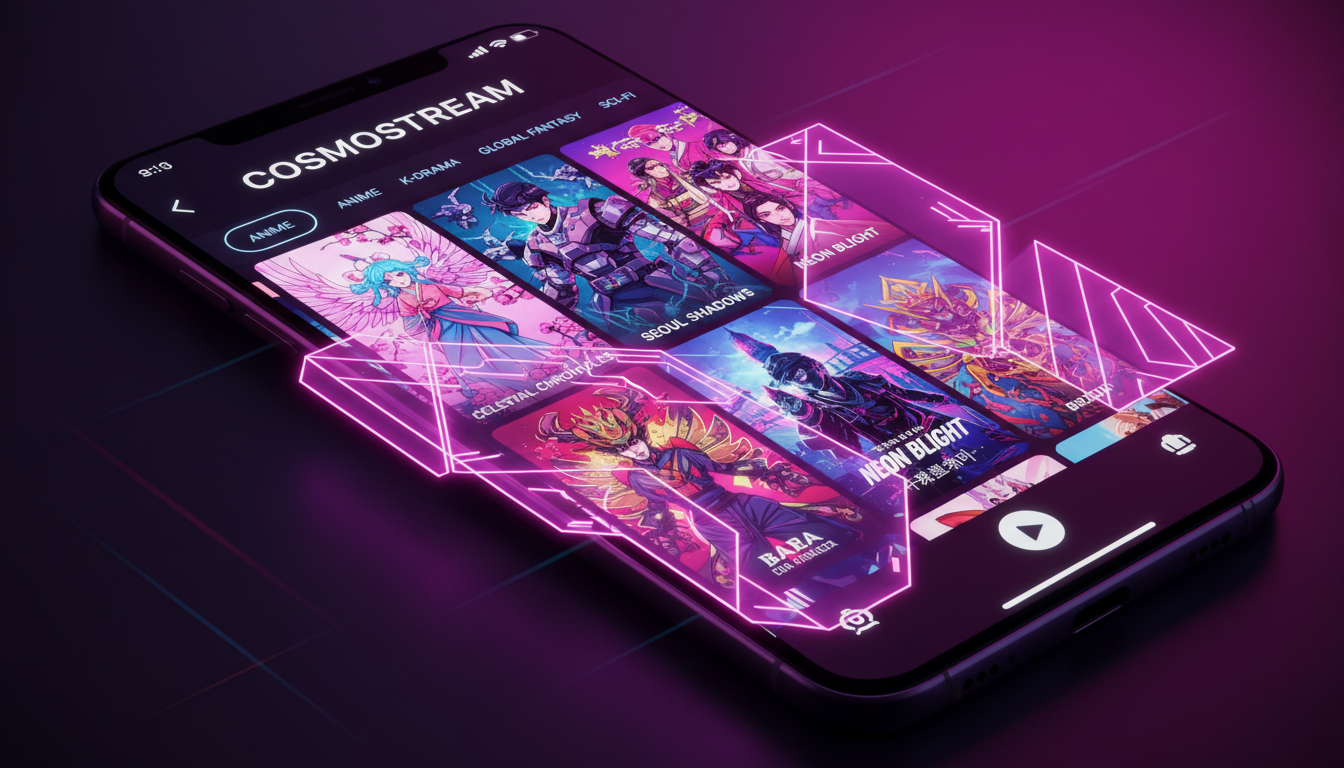
The streaming landscape in 2026 is no longer dominated exclusively by a handful of global platforms; a growing number of niche IPTV channels—focused on anime, K-drama, regional cinema, live sports subfeeds, and specialty genres—are filling demand for curated, timely, and language-specific content. This article explains why those channels matter, how to evaluate and set them up, what to watch for in performance and privacy, and the legal cautions every viewer should keep in mind.
Why niche IPTV channels are growing
Niche channels address audience needs that mass-market services sometimes miss: faster access to localized release windows, subtitling and dubbing tailored to particular languages, curated catalogs for specific tastes, and community-oriented programming. They also let rights holders and smaller distributors reach viewers directly through IPTV and over‑the‑top (OTT) apps without the overhead of a global catalog.
From a technology standpoint, improvements in adaptive streaming, CDN distribution, and smart TV app frameworks have reduced the barrier to creating stable, high-quality niche channels. Still, the success of a channel depends on legitimate content rights, consistent technical delivery, and a user-friendly experience.
Choosing the right niche IPTV channel or service
Selection criteria
- Content rights and licensing: Confirm the channel or service has the legal right to distribute the material in your territory. Services should be transparent about licensing and regional availability.
- Official apps and device support: Prefer channels that offer native apps for your TV, streaming stick, or set-top box. Browser-based and generic playlist solutions can be convenient but may lack DRM and subtitle support.
- Encoding, resolution, and adaptive streaming: Look for channels that support adaptive bitrate streaming and multiple quality options so playback can adjust to your network conditions. Check the provider’s documentation for supported codecs and DRM if you need encrypted playback.
- Localization: For anime and K-drama viewers, check subtitle accuracy, track availability, and release timing (subbed vs. dubbed vs. simulcast).
- Customer support and transparency: Reliable support, clear refund/renewal policies, and up-to-date channel guides or EPGs (electronic program guides) are important for a smooth experience.
Questions to ask before subscribing
- Does the service have clear licensing for my country?
- Which devices and apps are supported, and do they provide the viewing features I need (subtitles, audio tracks, offline downloads)?
- How does the service handle outages or streaming quality issues?
- What data is collected and how is it used? Is a privacy policy available?
Setting up and optimizing playback
Setting up niche IPTV channels depends on the provider’s delivery method. Many legitimate services offer native apps for major smart TV platforms, mobile devices, and streaming sticks. Others may provide authenticated IPTV playlists (M3U, XMLTV EPGs) for use with third‑party players. Follow these general steps:
Basic setup steps
- Create an account with the channel or distributor and verify your region and payment method.
- Install the official app (if available) on your device; follow any manufacturer or provider documentation for device-specific steps.
- If using an IPTV playlist with a third‑party player, import credentials securely and enable any recommended DRM or subtitle settings. Confirm support for live channel switching and EPG data.
- Test playback during both peak and off‑peak hours to identify buffering or bitrate switching issues.
Performance tuning
- Network: Use a wired Ethernet connection for the most stable experience on your main viewing device. If using Wi‑Fi, place your router and client device to minimize interference and consider 5 GHz where supported.
- Router and QoS: If you share bandwidth, enable quality-of-service rules on your router to prioritize streaming traffic, if your router supports it. Confirm configuration in the router manufacturer documentation.
- Device resources: Keep apps and device firmware updated. Older hardware may struggle with high‑bitrate streams or advanced codecs—check the current provider and device documentation for compatibility notes.
Privacy and legal considerations
Privacy and legality are central when choosing niche IPTV channels. Only use services that you are entitled to access. Unlicensed streams, torrents, and unauthorized IPTV distributions are not lawful in many jurisdictions and can expose you to legal risk, malware, and poor service quality.
Check the service’s privacy policy to understand what personal data is collected, how it’s stored, and whether it’s shared with third parties. If you use a VPN for privacy, verify that the provider’s terms of service allow it and that use complies with local law and the channel’s licensing restrictions.
When in doubt, contact the channel or rights holder to confirm distribution rights in your country, and consult local regulations. Licensing models and content rights change over time, so always confirm the current status with the provider.
A practical checklist
- Confirm licensing and regional availability before subscribing.
- Verify device/app support and DRM/subtitle compatibility in provider documentation.
- Prefer official apps or licensed distributors over unverified playlists.
- Use a stable network connection and consider router QoS for shared networks.
- Review the privacy policy and support channels before entering payment details.
The growth of niche IPTV channels offers viewers more tailored choices than ever, but it also requires careful selection and setup to ensure a high‑quality, legal, and private experience. For current details about device compatibility, codec support, or service features, consult the provider or manufacturer documentation.
To explore themed channels, subscription plans, and device support tailored to specialty content like anime and K-drama, please review CanzarTV’s subscription options and contact our support team with any questions. We’re happy to help you find a legal, high-quality setup that fits your viewing needs.

Canzar
Ready to stream? Pick your plan
Live TV, movies, sports and 10,000+ channels on any device — Firestick, Android TV, Smart TV, phone.
View Subscription Plans Compare Pricing
Moderation: Comments are reviewed before publishing. Be respectful and on-topic.
Guidelines: Share streaming tips, device help, or content recommendations. No spam, no promotions, no off-topic links.