
Last updated August 22, 2026 · Editorially reviewed by CanzarTV
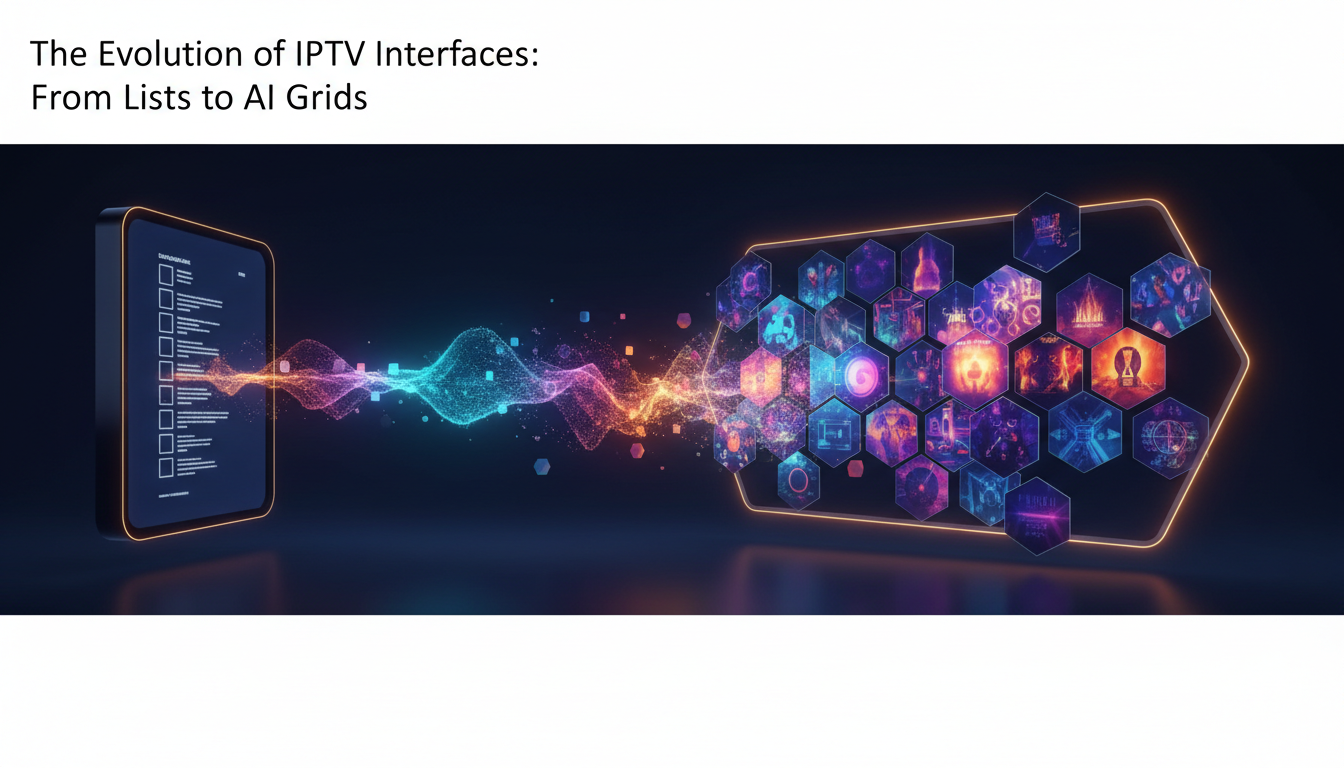
The Evolution of IPTV Interfaces: From Lists to AI Grids has been a quiet revolution in how viewers find and consume television over IP. What began as long, scrollable channel lists and basic electronic program guides (EPGs) has become an experience shaped by recommendation engines, visual grids, and on-device AI that anticipates what you want to watch. This article explains the technical and usability shifts, offers practical setup and selection guidance for 2026-era streaming, and highlights performance, privacy, and legal points to keep in mind.
Why interface design matters for IPTV
Interface design is more than aesthetics. It shapes discovery, reduces friction when switching devices, and affects perceived quality—slow menus or missing metadata make a high-definition stream feel frustrating. As streaming libraries grow and live channels compete with on-demand catalogs, interfaces must present lots of information quickly, accurately, and in ways that help users decide what to watch.
From lists and grids to context-aware navigation
Early IPTV UIs were essentially electronic channel lists with a simple EPG overlay: channel name, current show, and time. These lists were straightforward but limited—users had to remember channel numbers or scroll through long menus. Then grid-based EPGs added more context: thumbnails, programme synopses, and quick-start actions. The next evolutionary steps involve contextual and predictive elements.
What changed technically
- Richer metadata: cover art, episode metadata, genre tags, and show images are now standard and are used to populate visually dense grids.
- Layered discovery: overlays and modules present live, recommended, and on-demand items side-by-side.
- AI augmentation: search and recommendations increasingly rely on machine learning for personalized suggestions and natural-language search.
The rise of AI grids
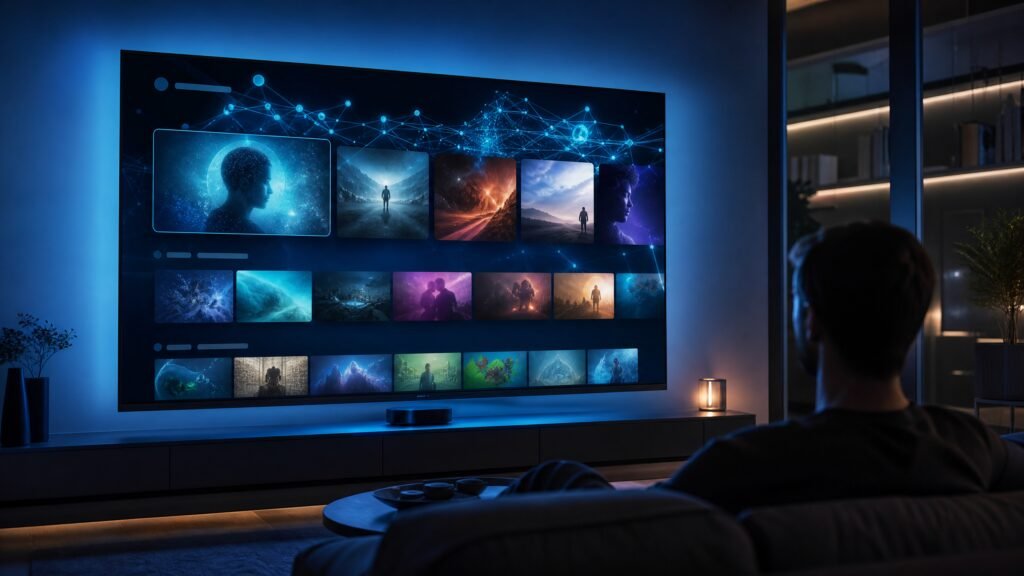
AI grids combine the visual clarity of thumbnail-driven layouts with machine learning to surface personalized content. Instead of a static list of channels, an AI grid reorganizes tiles by relevance—new episodes, matches to viewing habits, or content similar to what was recently watched. This makes discovery faster, especially for users who subscribe to multiple services or use aggregated IPTV software.
Key user-facing features
- Natural-language search and voice: query phrases like “sports tonight near me” or “comedy movies with late-night show episodes.”
- Contextual actions: play from start, resume, add to watchlist, or view subtitles from the grid itself.
- Adaptive layouts: larger thumbnails for highly relevant items, compact lists for deep browsing, and mixed live/VOD rows.
How to set up and evaluate modern IPTV interfaces
Moving to an AI-powered interface requires attention to hardware, network, and software choices. The following steps help ensure a responsive, private, and legal experience.
Network and hardware setup
- Prefer wired Ethernet for set-top boxes and media players when possible; it delivers lower latency and more consistent bandwidth than Wi-Fi.
- If using Wi‑Fi, use a modern router (confirm current manufacturer recommendations) supporting dual-band or Wi‑Fi 6/6E and place it to minimize interference.
- Choose a device with hardware acceleration for common codecs and support for DRM if you plan to access licensed services; confirm compatibility with the provider or manufacturer documentation.
App selection and configuration
Evaluate apps and interfaces on responsiveness, content discovery quality, and metadata accuracy. Look for:
- Reliable EPG updates and correct time zone handling.
- Options to opt out of data collection or to use local personalization (on-device models) instead of cloud-based profiling.
- Parental controls and clear settings for subtitles, audio tracks, and accessibility features.
Performance and troubleshooting
Interface performance depends on both device CPU/GPU and backend architecture. If thumbnails load slowly or search lags, check local caching settings, update apps, and restart the device. If you use an aggregator or third-party middleware, prefer providers that support adaptive bitrate streaming and efficient transcoding to reduce stuttering and lower data use on constrained networks.
Privacy, data, and legal considerations
AI-driven interfaces often require behavioral data to produce recommendations. Privacy-conscious users should check whether personalization happens on-device or in the cloud, what telemetry the app sends, and whether there are granular opt-outs. Review the privacy policy and any available privacy dashboards.
On the legal side, ensure you access channels and content you are entitled to. Unlicensed distribution and playback of copyrighted material can be illegal in many jurisdictions. Use providers and services that hold appropriate rights and verify licensing claims with the service or manufacturer documentation when necessary.
A practical checklist
- Confirm device compatibility and DRM support with your service provider’s current documentation.
- Use wired Ethernet or a modern Wi‑Fi setup for stable performance.
- Choose apps that allow local personalization or clear privacy controls.
- Verify EPG accuracy and metadata completeness before relying on it for navigation.
- Enable parental controls and accessibility features as needed.
Looking forward
Interfaces will continue to converge: voice and visual search, cross-service aggregation, and smarter recommendation surfaces will become standard. Designers and operators must balance personalization and convenience against user control, transparency, and lawful content access. For users, the best experience will come from tuning device and network settings, choosing well-supported apps, and staying informed about privacy options.
We invite you to review CanzarTV’s subscription options and compatibility guides to find an IPTV experience that fits your needs. If you have questions about setup, privacy settings, or choosing an interface, contact CanzarTV support and we’ll help you get started.

Canzar
Ready to stream? Pick your plan
Live TV, movies, sports and 10,000+ channels on any device — Firestick, Android TV, Smart TV, phone.
View Subscription Plans Compare Pricing
Moderation: Comments are reviewed before publishing. Be respectful and on-topic.
Guidelines: Share streaming tips, device help, or content recommendations. No spam, no promotions, no off-topic links.