
Last updated August 24, 2026 · Editorially reviewed by CanzarTV
Introduction
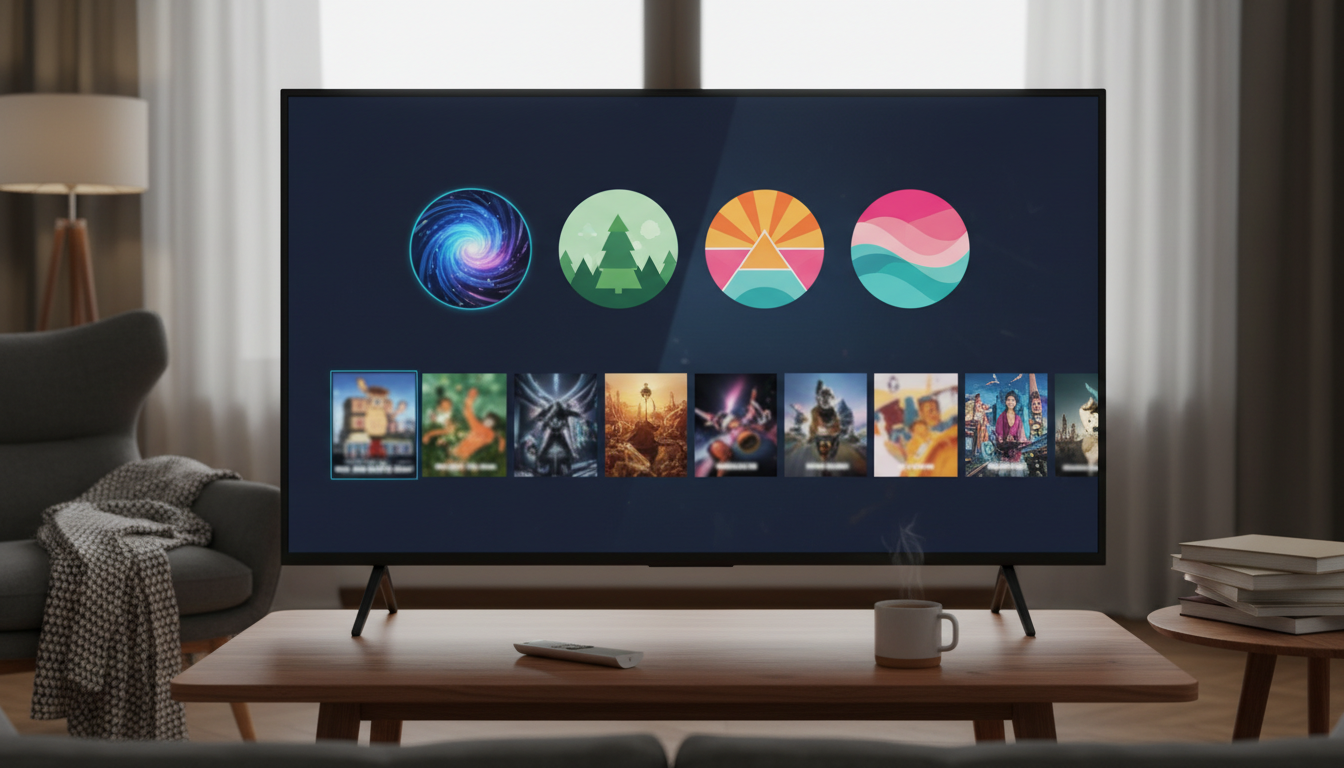
Streaming platforms increasingly rely on two simple tools to improve the viewer experience: profiles that let multiple people share a single account while maintaining separate tastes, and watchlists that help you save content to watch later. Used well, these features reduce friction when finding shows, keep recommendations relevant, and help households manage age-appropriate viewing.
This guide explains what profiles and watchlists are, how to set them up and organize them, and the trade-offs to consider when using them for personal or family streaming. It includes practical steps, watchlist tips you can apply across services, and criteria to help you decide how to structure profiles in a shared account.
What to know first
- Definitions:
- User profiles: Distinct, personalized sub-accounts within one subscription that preserve individual viewing history, recommendations, and sometimes separate settings (e.g., language, maturity level).
- Watchlists: Saved lists of titles you intend to watch later. Names vary across services (e.g., “My List,” “Watchlist,” “Favorites”), and some platforms allow multiple custom lists or folders.
- Why they matter: Profiles keep recommendations and “Continue Watching” progress specific to each viewer, improving discovery. Watchlists act as a short-term memory for shows and movies you plan to return to, helping you avoid re-searching titles.
- Variation between services: Features, limits, and labels differ across platforms. Some let you create many profiles and several custom lists; others are more limited. Verify the specifics of any platform at or close to publication time.
Main guide
Setting up and managing user profiles
User profiles are the foundation for personalized streaming. Setting them up thoughtfully will save time and reduce cross-user recommendation noise.
Creating profiles — practical steps
- Open your streaming app or website and go to the account or profile menu.
- Choose “Add profile” or a similar option. Enter a name and select an avatar if available.
- If the service supports age or maturity settings at profile creation, choose the appropriate level for the user.
- For children, select a “Kids” or restricted profile type if available; this usually filters content automatically.
Decision criteria:
– Number of household viewers: Create one profile per regular viewer to preserve distinct recommendations.
– Usage patterns: If someone uses the account rarely, decide whether to create a full profile or use a guest mode if the service provides one.
Trade-offs:
– More profiles mean better personalization but can complicate account management if you need to reset passwords or change settings across profiles.
– Some platforms cap profile numbers; avoid creating unnecessary profiles to stay within limits.
Editing and deleting profiles
- Edit names, avatars, and maturity controls from the profile management area.
- Deleting a profile typically erases its viewing history and personalized suggestions—confirm whether deletion is reversible before you proceed.
Privacy and account security
- Profiles are not separate accounts; they usually share the same login credentials. For sensitive separation (billing, downloads, independent billing), consider separate subscriptions rather than profiles.
- Review the main account’s privacy and sharing settings to control what data is shared or visible across profiles.
Building and organizing watchlists
Watchlists help you capture and prioritize content without relying on memory. Thoughtful organization increases their usefulness.
Creating and adding to watchlists — practical steps
- When you see a title you want to save, use the platform’s “Add to Watchlist” or equivalent action.
- Some services allow multiple or named lists—use those to group by mood, genre, or priority (for example, “Documentaries,” “Quick Watched,” “Family Night”).
- Use the watchlist as a staging area: move items to “Now Watching” or mark as “Watched” if the platform supports it.
Watchlist tips:
– Add notes externally: If the platform lacks list notes, maintain a simple notes app or document for reminders (e.g., “requires subtitles” or “S2 start ep”).
– Prioritize by date or category: Put the must-watch items at the top or in a separate list to avoid backlog.
Trade-offs and comparisons:
– Single list vs. multiple lists: A single universal watchlist is easy but can become cluttered. Multiple lists require more maintenance but make retrieval faster.
– In-app lists vs. third-party trackers: Third-party apps can sync across services but may require additional setup and may not have full integration with play progress or recommendations.
Maintaining your watchlist
- Regularly prune: Remove titles you no longer plan to watch to keep the list relevant.
- Use “Continue Watching” management: If the platform allows removing items from the “Continue Watching” queue, use that for shows you abandoned to avoid cluttered progress markers.
Family streaming: parental controls and shared viewing
Managing a family account requires balancing convenience with safety and personalization.
Parental controls and kid-friendly profiles
- Use kid profiles where available: These typically restrict search results and block mature content automatically.
- Set maturity and PIN controls: Many services let you require a PIN for mature titles or profile switching—use these to prevent accidental access.
- Review content filters: Some platforms let you set age thresholds or block specific titles.
Decision criteria:
– Age and maturity of children: Younger kids benefit from strict filters and curated content catalogs.
– Shared devices vs. personal devices: If kids mainly use a shared living-room TV, you might prefer stronger device-level restrictions in addition to profile controls.
Trade-offs:
– Strict filters reduce the risk of inappropriate content but can also hide borderline or educational material you might want available.
– PINs and locks add security but increase friction for adults who share devices.
Managing simultaneous viewing and screen limits
- Check concurrent stream limits: Platforms specify how many devices can stream at once; plan profile usage accordingly.
- Use download limits carefully: If family members want offline viewing, ensure the service supports multiple downloads and device authorizations.
Note: Verify exact concurrent-stream and download policies with each service at publication time.
Advanced tips: personalization, discovery, and sharing responsibly
These practices help you extract more value from profiles and watchlists.
Influence recommendations intentionally
- Use separate profiles for distinct tastes: If one household member watches a lot of a certain genre, create a dedicated profile to prevent polluting others’ suggestions.
- Clear or pause watch history if you’re testing content: Some platforms let you clear specific titles from history or temporarily pause personalization.
Trade-offs:
– Clearing history improves short-term accuracy but reduces the long-term benefit of personalized recommendations.
Use watchlists strategically
- Shortlists for social viewing: Create a “Family Night” or “Date Night” list you curate together to avoid scrolling when it’s time to watch.
- Cross-platform planning: If a title is available on multiple services, note which service has the best viewing option (e.g., subtitling, audio options) in your notes.
Sharing lists and collaborative planning
- Use platform sharing features where available: Some services allow sharing a list URL or invite-based list collaboration.
- If sharing outside a platform, export or copy lists into a shared document or messaging thread—do so only if it respects account terms of service.
Decision criteria:
– Collaborative need vs. privacy: Shared lists help planning but can reveal viewing preferences to others.
Common mistakes
- Leaving everyone on one generic profile: This mixes viewing histories and ruins recommendation quality for everyone. Fix: Create distinct profiles for regular users.
- Overfilling a single watchlist and never pruning: A massive, outdated list becomes unusable. Fix: Schedule periodic cleanups and create themed sub-lists.
- Treating profiles as separate accounts: Expecting profiles to have separate billing, downloads, or subscription-independent settings leads to surprises. Fix: Review the platform’s account-level settings and consider separate subscriptions if you need distinct billing.
- Not using parental controls or PINs: Assuming kids will avoid mature content without controls often fails. Fix: Set up dedicated kid profiles and enable maturity locks where offered.
- Forgetting to verify platform policies: Assuming features like collaborative lists or export options exist can waste time. Fix: Check the service’s help center or settings before planning workflows.
FAQ
How many profiles should I create on a family account?
Create one profile for each regular viewer who keeps distinct tastes or viewing progress. For infrequent users, a single shared guest profile may suffice. Also consider a dedicated kid profile if children will use the service frequently. Verify any platform-imposed profile limits before creating many profiles.
Can I share watchlists between different streaming services?
Most platforms do not automatically sync watchlists across services. You can manually keep a shared list in a notes app or use third-party trackers that support multiple platforms, but check each tool’s privacy and data policies. Some services support internal sharing features for lists—confirm availability with the platform.
Will creating multiple profiles affect billing or security?
Profiles are typically a convenience feature within one account and do not change billing. They usually share the same login credentials, so anyone with the account login can switch profiles unless the service offers profile-specific PINs. For separate billing, download limits, or fully independent accounts, consider purchasing separate subscriptions.
Conclusion
Profiles and watchlists are simple but powerful tools that make streaming more personalized, organized, and family-friendly. Create one profile per regular viewer, use themed or prioritized watchlists, enable parental controls for kids, and periodically clean lists to keep recommendations useful. As a next step, review your preferred streaming service’s profile and watchlist settings now to align them with your household’s viewing habits.

Canzar
Ready to stream? Pick your plan
Live TV, movies, sports and 10,000+ channels on any device — Firestick, Android TV, Smart TV, phone.
View Subscription Plans Compare Pricing
Moderation: Comments are reviewed before publishing. Be respectful and on-topic.
Guidelines: Share streaming tips, device help, or content recommendations. No spam, no promotions, no off-topic links.