
Last updated August 17, 2026 · Editorially reviewed by CanzarTV

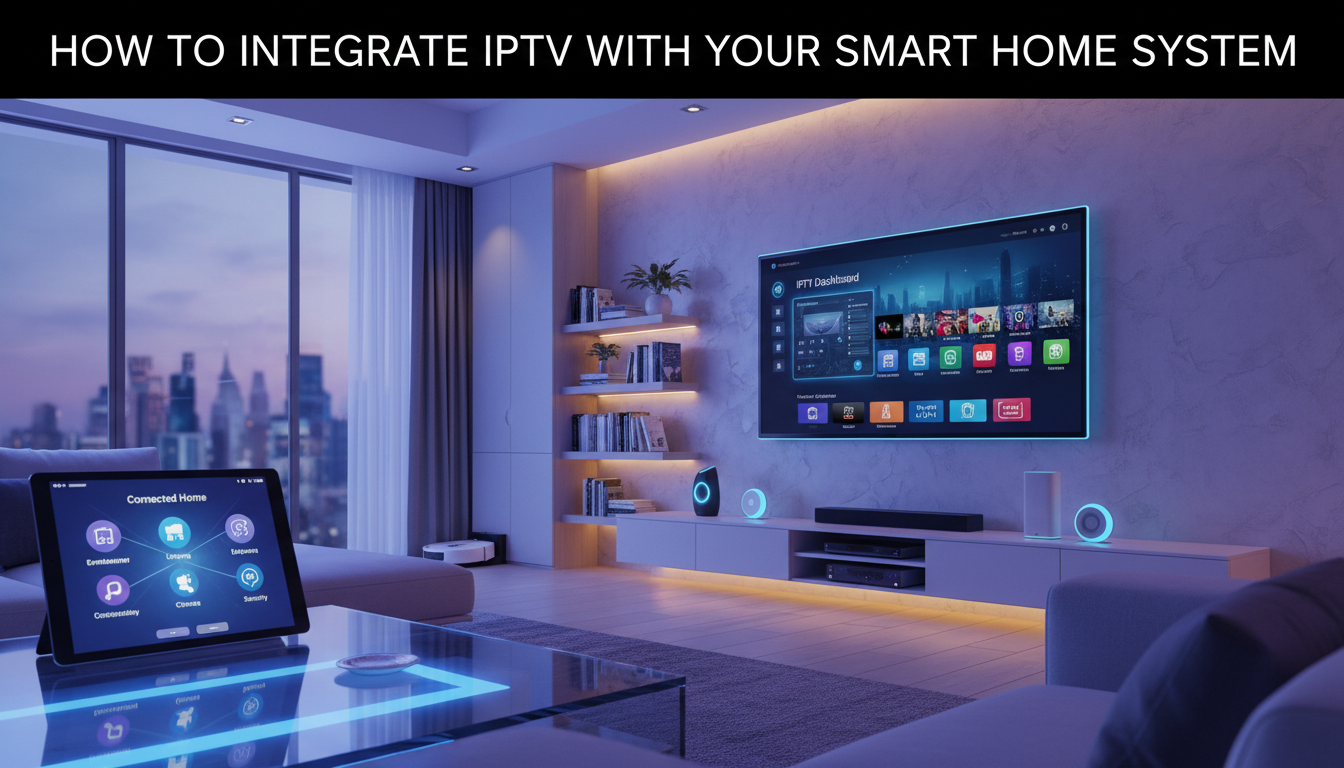
Integrating IPTV with your smart home system can make live TV, on-demand streams, and personalized viewing routines feel as natural as your lighting and thermostat schedules. In 2026, smarter home hubs, better local networking, and more flexible streaming clients make IPTV involvement practical for many households — provided you plan for compatibility, performance, privacy, and licensing. This guide explains the concepts, step-by-step setup approach, selection criteria, performance tips, and legal cautions to help you integrate IPTV with your smart home system responsibly.
Key concepts to understand
IPTV refers to delivering television content over IP networks rather than traditional broadcast or cable methods. In a smart home context you’ll commonly encounter:
- IPTV sources: official provider apps, licensed IPTV services, network tuners, or streaming servers that deliver live channels and VOD.
- Clients and displays: smart TVs, streaming boxes, mobile devices, or dedicated set-top boxes that decode streams.
- Smart home controller: a hub or software (commercial or open source) such as voice assistants or platforms like Home Assistant that orchestrate devices and automations.
- Network infrastructure: switches, routers, Wi‑Fi, and features like VLANs, Quality of Service (QoS), and IGMP controls used by multicast IPTV.
Ways to connect IPTV to a smart home
There are several integration approaches. Choose based on your devices, technical comfort, and privacy preferences:
- Native apps on smart TVs or streaming boxes: simplest; the app handles playback and user authentication.
- Dedicated IPTV gateway or set-top box: sits on the LAN and supplies streams to TVs; often useful where multicast is used or for centralized control.
- Media server/transcoder (local): runs on a NAS or small server to transcode or restream content to clients and to provide APIs for the smart hub.
- Smart home hubs with integrations: platforms may expose media players as entities so you can control channels, sources, and playback via automations and voice.
Step-by-step setup
- Inventory devices and confirm entitlements. List TVs, streaming boxes, the smart home controller, and any network tuners. Verify you have lawful access to the IPTV sources you plan to use and check provider documentation for supported client devices and required credentials.
- Prepare your network. For reliability, prioritize wired connections for set-top boxes and gateways. Use VLANs to separate media traffic when possible and enable QoS to prioritize live streams. If your IPTV uses multicast, verify that your switch and router support IGMP snooping or IGMP proxying; consult vendor documentation for configuration details.
- Install or deploy the IPTV client or gateway. Use official apps where available. For local gateways or media servers, follow manufacturer instructions and keep software updated. If you use a server to transcode streams, ensure it has adequate CPU/GPU resources and storage for recording if required.
- Integrate with your smart home controller. Add the media player or gateway to your hub using official integrations when available. Many controllers expose playback controls, source selection, and status as entities you can use in automations. When using custom components or community integrations, review the current documentation and security notes before enabling them.
- Create automations and voice commands. Map channels or sources to scene-like actions (for example, “Watch Evening News”) and create presence‑based or schedule‑based automations. Test voice interactions and ensure authentication tokens or accounts are securely stored by your controller.
- Test and refine. Test concurrent streams, on-demand playback, channel switching latency, and remote control behavior. Adjust buffering or QoS settings if you experience stuttering or latency.
Selection criteria for devices and services
When choosing hardware or software, consider:
- Compatibility: Does the device or app support your IPTV source and the smart home platform you use? Confirm with current manufacturer or provider documentation.
- Local vs. cloud processing: Local gateways preserve privacy and reduce cloud dependencies but may require more setup and maintenance.
- Latency and responsiveness: Live TV benefits from minimal buffering and fast channel change times; prioritize low-latency decoders for live feeds.
- Update policy and support: Choose vendors or open-source projects with a clear update path and good documentation.
Performance considerations
Reliable video delivery depends on network capacity and device capability. Key items to address:
- Bandwidth: Ensure your LAN and internet links can handle the number of concurrent streams you expect. For local IPTV, focus on LAN capacity.
- Wired vs. wireless: Use wired ethernet for fixed set-top boxes; if using Wi‑Fi for living‑room devices, prefer modern standards and place access points for strong coverage.
- Multicast vs. unicast: Multicast conserves bandwidth for many clients but requires router/switch support; unicast increases bandwidth needs per client.
- Transcoding: Convert streams only when necessary; it adds CPU/GPU load and latency. Confirm transcoder capabilities in current docs.
- VPNs and remote access: VPNs can affect multicast discovery and latency; test configurations before relying on remote streaming.
Privacy and security
Treat IPTV integrations like any networked media service. Limit data exposure by using local gateways when possible, minimize cloud syncing of playback metadata, and secure accounts with strong, unique passwords and two-factor authentication where supported. Segment IPTV devices on a separate VLAN and disable unnecessary services like UPnP. Keep firmware and integrations updated and review privacy settings of any third‑party apps or voice assistants you enable.
Legal and licensing cautions
Only use IPTV services and content you are legally entitled to access. Do not redistribute channels or recordings in ways that violate the provider’s terms or local laws. If you are unsure about licensing, consult the service terms and local regulations before integrating or sharing streams. CanzarTV encourages lawful use of content and cannot confirm legality of third‑party sources — always verify compliance for your jurisdiction.
A practical checklist
- Confirm you have lawful access to each IPTV source and check provider documentation.
- Use wired connections and set up VLANs/QoS for reliable streaming.
- Choose a controller or gateway with known compatibility and current support.
- Secure accounts, segment devices on the network, and limit cloud metadata sharing.
- Test channel-switch latency, concurrent streams, and automation triggers.
Ready to build your IPTV-enhanced smart home? Review CanzarTV’s subscription options for supported services and device guidance, and contact our support team if you have questions about integrating IPTV with your smart home setup. We’re happy to help you plan a reliable, legal, and privacy-conscious system.

Canzar
Ready to stream? Pick your plan
Live TV, movies, sports and 10,000+ channels on any device — Firestick, Android TV, Smart TV, phone.
View Subscription Plans Compare Pricing
Moderation: Comments are reviewed before publishing. Be respectful and on-topic.
Guidelines: Share streaming tips, device help, or content recommendations. No spam, no promotions, no off-topic links.