

Last updated August 18, 2026 · Editorially reviewed by CanzarTV
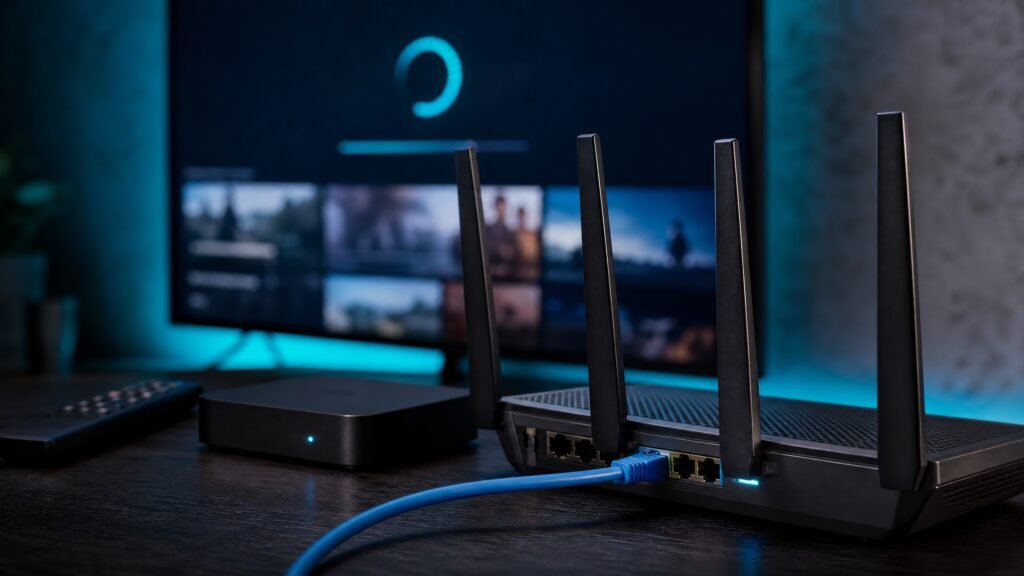
Horror fans have particular needs from an IPTV service: deep genre libraries, reliable live channels for midnight marathons, searchable on-demand catalogs of classics and indie titles, and playback that preserves atmosphere—dark detail, immersive audio, and minimal buffering. In 2026 the best IPTV services for horror movie fans are the ones that combine curated horror content with modern streaming tech, clear licensing, broad device support, and sensible privacy protections. This guide explains what to look for, how to set up a reliable horror-centric experience, and the legal and privacy considerations to keep in mind.
What makes an IPTV service good for horror fans?
Curated content and discoverability
Look for services that offer dedicated horror collections—channels, playlists, and VOD sections that group films by subgenre (classic, slasher, psychological, international, indie). Good discoverability means effective search, tags, editorial collections, and the ability to create or follow custom playlists so you can queue up a late‑night double feature quickly.
Live channels, on‑demand libraries, and festivals
Horror enthusiasts often want a mix: linear channels that run curated blocks, on‑demand libraries for specific titles, and occasional festival or special-event streams. A service that supports both live multicast distribution and expansive VOD makes it easier to catch retro blocks, premieres, and niche festival streams when they appear.
Device compatibility and UI
Check compatibility with your hardware: Android TV/Google TV, Apple TV, Fire TV, Roku, web browsers, and set‑top boxes still in use. A responsive, dark‑mode friendly UI, reliable remote navigation, robust search, and subtitle/audio settings improve the viewing experience for horror films where mood and detail matter.
Playback quality and codec support
Technical aspects matter because poor encoding ruins atmosphere. Prefer providers that offer adaptive streaming (HLS/DASH), support modern codecs (confirm current codec support with the provider), and provide multiple bitrate streams so playback stays smooth on variable connections.
How to set up your horror movie IPTV experience
1) Verify content and rights
Before subscribing, confirm the service’s catalog includes the films and channels you want, and that content is licensed for your region. Availability and licensing can change, so check the provider’s current catalogue and terms.
2) Confirm device and network readiness
Make sure your viewing device is supported and that apps are up to date. For best results, use a wired Ethernet connection or a strong Wi‑Fi 5/6/6E signal. If you rely on wireless, place your router near the streaming device and minimize shared network congestion during viewing.
3) Configure player settings
Set preferred subtitles, audio tracks (where offered), and playback quality. If a provider offers HDR, surround sound, or higher‑efficiency codecs, verify your TV and AVR support those features and consult the provider’s documentation for optimal setup.
Performance considerations
Buffering, latency, and adaptive bitrate
Adaptive bitrate streaming helps reduce buffering by switching bitrates to match bandwidth. If a service relies on real‑time transcoding or a distant CDN, you may see longer startup times or reduced quality during peak hours. Choosing a provider with regional CDN presence and an efficient streaming pipeline gives better consistency for long films and late‑night marathons.
Multicast vs. unicast and DVR/catch‑up
Some IPTV systems use multicast for live channels and unicast for VOD. Multicast is bandwidth‑efficient for many concurrent viewers of the same stream but requires network and device support. If you plan to record or use catch‑up, check whether the service offers cloud DVR and how long recordings are retained.
Privacy, security, and legal/licensing cautions
Privacy and account safety
Review the provider’s privacy policy for log retention, data sharing, and payment security. Use strong unique passwords, enable multi‑factor authentication when available, and avoid sharing account credentials. If privacy is a concern, look for providers with clear, limited logging policies and encrypted transport (TLS/HTTPS).
Legal considerations
Only use services that have the proper rights to distribute the content in your jurisdiction. Do not subscribe to or promote unlicensed IPTV services. Rules vary by country; check local regulations and terms of service. If in doubt, choose a provider that documents licensing transparently and offers official agreements with rights holders.
A practical checklist
- Confirm the horror catalog includes the titles or channels you want and is licensed in your region.
- Verify device compatibility (your TV, set‑top box, or streaming stick) and app availability.
- Use wired Ethernet or a strong Wi‑Fi connection; update apps and firmware before subscribing.
- Check for adaptive streaming, codec support, and cloud DVR/catch‑up options if you want recordings.
- Review privacy policy and security features; use strong passwords and enable MFA if offered.
Final thoughts
For horror movie fans, the right IPTV service balances a well‑curated catalog, dependable streaming performance, and transparent licensing. Prioritize providers that make discovery easy, support the devices you use, and publish clear policies about content rights and privacy. Confirm technical details and availability with the provider before subscribing—content libraries and features can change.
If you’d like to explore options, review CanzarTV’s subscription packages and curated horror collections on our site. Contact CanzarTV support with any questions about device compatibility, trial access, or subscription features—we’re here to help you build the perfect horror movie night.

Canzar
Ready to stream? Pick your plan
Live TV, movies, sports and 10,000+ channels on any device — Firestick, Android TV, Smart TV, phone.
View Subscription Plans Compare Pricing
Moderation: Comments are reviewed before publishing. Be respectful and on-topic.
Guidelines: Share streaming tips, device help, or content recommendations. No spam, no promotions, no off-topic links.