
Last updated August 18, 2026 · Editorially reviewed by CanzarTV
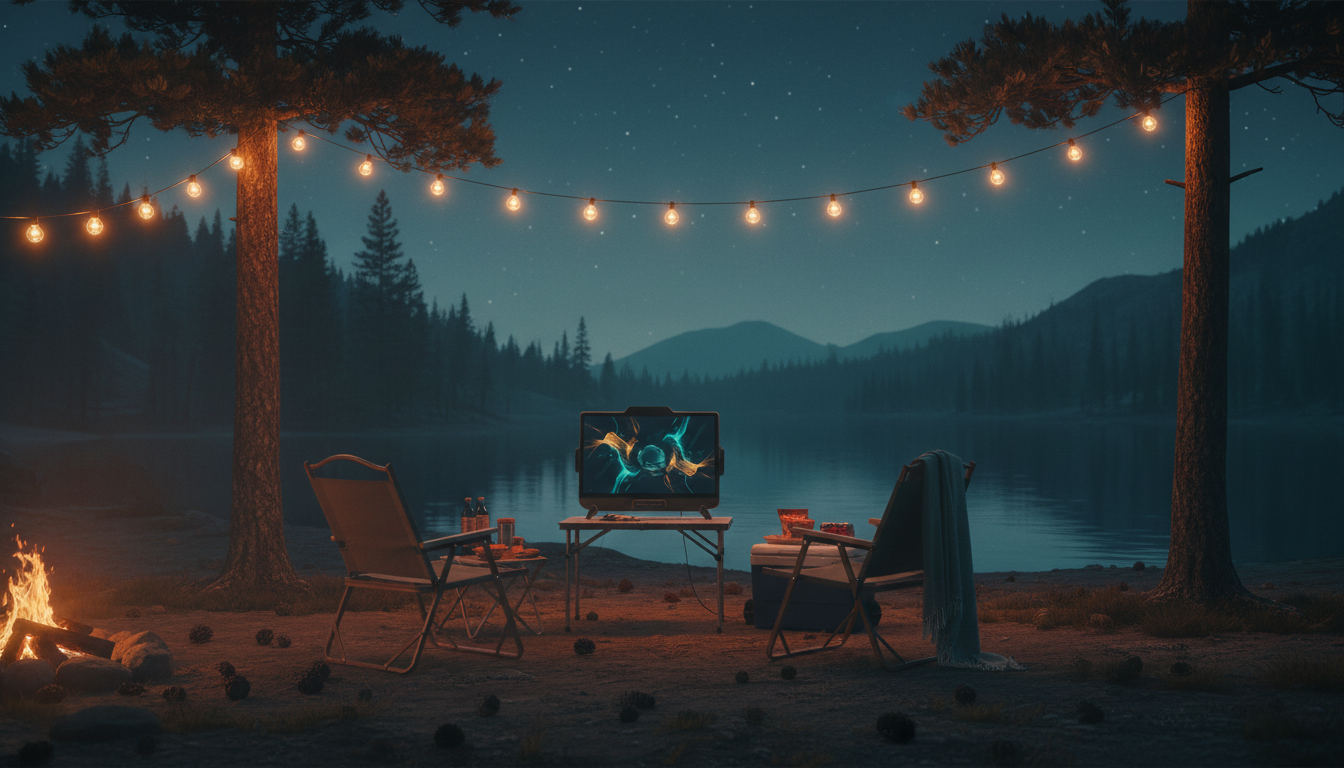
Outdoor streaming for camping and tailgating has moved from a novelty to a practical way to bring live sports, news, and entertainment to remote settings. Choosing the best IPTV services for outdoor streaming (camping/tailgating) means balancing portability, network resilience, device compatibility, and — importantly — legal access to the channels and content you want to watch. This guide explains what to look for, how to set up a reliable outdoor streaming rig, and the performance and privacy factors to consider in 2026.
What makes an IPTV service good for outdoor use?
Outdoor streaming is different from home streaming because your network is often cellular or a temporary local Wi‑Fi, power is limited, and multiple viewers may share one connection. For outdoor scenarios, prioritize services that offer:
- Official apps for mobile and streaming devices (Android, iOS, Android TV/Google TV, Apple TV, Fire TV) so you can rely on maintained players and security updates.
- Adaptive bitrate streaming to cope with fluctuating mobile signal strength.
- Clear licensing and region support so you’re using content you’re entitled to receive in your country or region.
- Simple sign-in and offline/low-latency playback features if they exist — check provider documentation for current features.
- Good support for casting or local playback if you want to push to a larger display from a phone or tablet.
Key selection criteria
When evaluating services, use these practical filters:
Device compatibility
Confirm which devices the service supports. Outdoor setups often use phones, tablets, a small Android TV box, or a streaming stick. Check the provider’s up-to-date documentation to make sure apps are available and actively maintained for your chosen hardware.
Network flexibility
Look for services built on modern HTTP adaptive streaming (HLS/DASH) that handle variable bandwidth well. If you’ll be on a cellular hotspot or a congested event network, adaptive streams reduce buffering compared with rigid, high‑bitrate feeds. Verify provider notes about supported stream formats and any recommended bandwidth thresholds.
Transparency and legality
Only choose services that distribute content with the right licenses. Unofficial or unlicensed IPTV offerings may appear cheaper or more complete but carry legal and security risks. Confirm regional availability and read terms of service before purchasing or using a subscription.
Practical setup steps for camping and tailgating
Follow these steps to set up a dependable outdoor streaming station.
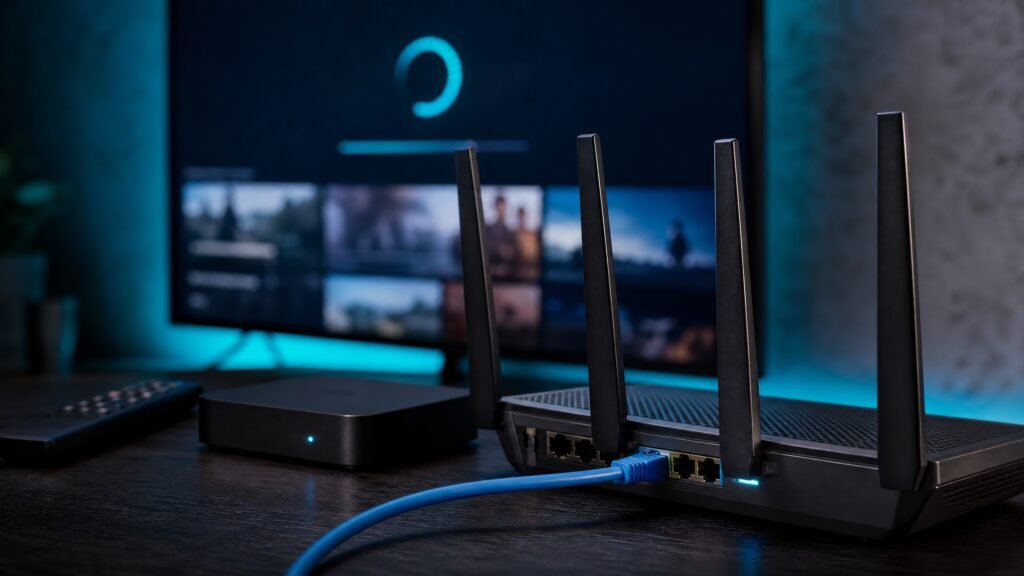
- Choose the right network: test a reliable cellular hotspot or portable router before your trip. If multiple viewers will stream, use a router with good Wi‑Fi performance and support for concurrent connections.
- Choose compatible hardware: pick a streaming stick or small Android TV box with low power draw and an official app for your IPTV service. Phones and tablets are fine for single-viewer setups and can also cast to larger displays.
- Power planning: bring a high-capacity battery pack or small portable power station sized for your TV/device runtime. Verify device power requirements with manufacturer documentation.
- Signal optimization: position your hotspot or mobile device for the best cellular reception. Consider an external antenna or a carrier-approved signal booster if local regulations and campground rules allow it; check manufacturer and regulatory guidance first.
- Test ahead: run the full setup — connect the IPTV app, start a game or live stream, and simulate peak congestion — before you arrive at the event.
Performance considerations and tips
Outdoor IPTV performance depends mainly on network quality and device behavior. Key considerations:
- Bandwidth variability: cellular networks fluctuate. Use adaptive services and be prepared to reduce picture quality settings for stable playback.
- Latency and sync: live sports may arrive with some delay; if multiple devices must stay in sync (e.g., for group viewing), use local casting or a single device connected to an external display rather than multiple independent streams.
- Concurrency limits: carriers and services may limit tethering or concurrent streams. Review your mobile plan and the IPTV provider’s concurrent-stream policy before relying on it for group events.
- Data caps and fair-use policies: streaming consumes data; verify your cellular plan limits and the provider’s terms to avoid unexpected charges or throttling.
Privacy, security, and VPN use
Privacy is an important consideration outdoors where you connect to public or shared networks. A VPN can encrypt traffic and help protect privacy, but it will add overhead and may reduce streaming performance. Also, some IPTV providers restrict VPN usage in their terms of service. Balance privacy needs against performance and legal compliance — test a VPN with your chosen service and hardware prior to going out.
Legal and licensing cautions
Streaming copyrighted content without authorization is unlawful in many jurisdictions. Use IPTV services that clearly state their licensing model and operate within local rules. If you plan to watch sports or pay-TV channels, confirm that you have the right subscription or access from an authorized vendor. When in doubt, check the provider’s public terms or contact their support.
A practical checklist
- Confirm your chosen IPTV service has official apps for your devices and supports adaptive streaming.
- Test cellular or portable Wi‑Fi connectivity at the location in advance if possible.
- Pack sufficient power (battery bank/portable power station) and verify device power specs with manufacturer docs.
- Review your mobile data plan for caps, tethering limits, and roaming rules.
- Ensure content access is licensed for your region and abide by the service’s terms of use.
Outdoor IPTV can deliver excellent viewing experiences when you pick the right service and prepare for mobile network realities. For tailored options, review CanzarTV’s subscription options and contact our support team if you have questions about device compatibility, service features, or setting up an outdoor streaming rig — we’re here to help.

Canzar
Ready to stream? Pick your plan
Live TV, movies, sports and 10,000+ channels on any device — Firestick, Android TV, Smart TV, phone.
View Subscription Plans Compare Pricing
Moderation: Comments are reviewed before publishing. Be respectful and on-topic.
Guidelines: Share streaming tips, device help, or content recommendations. No spam, no promotions, no off-topic links.