
Last updated August 22, 2026 · Editorially reviewed by CanzarTV
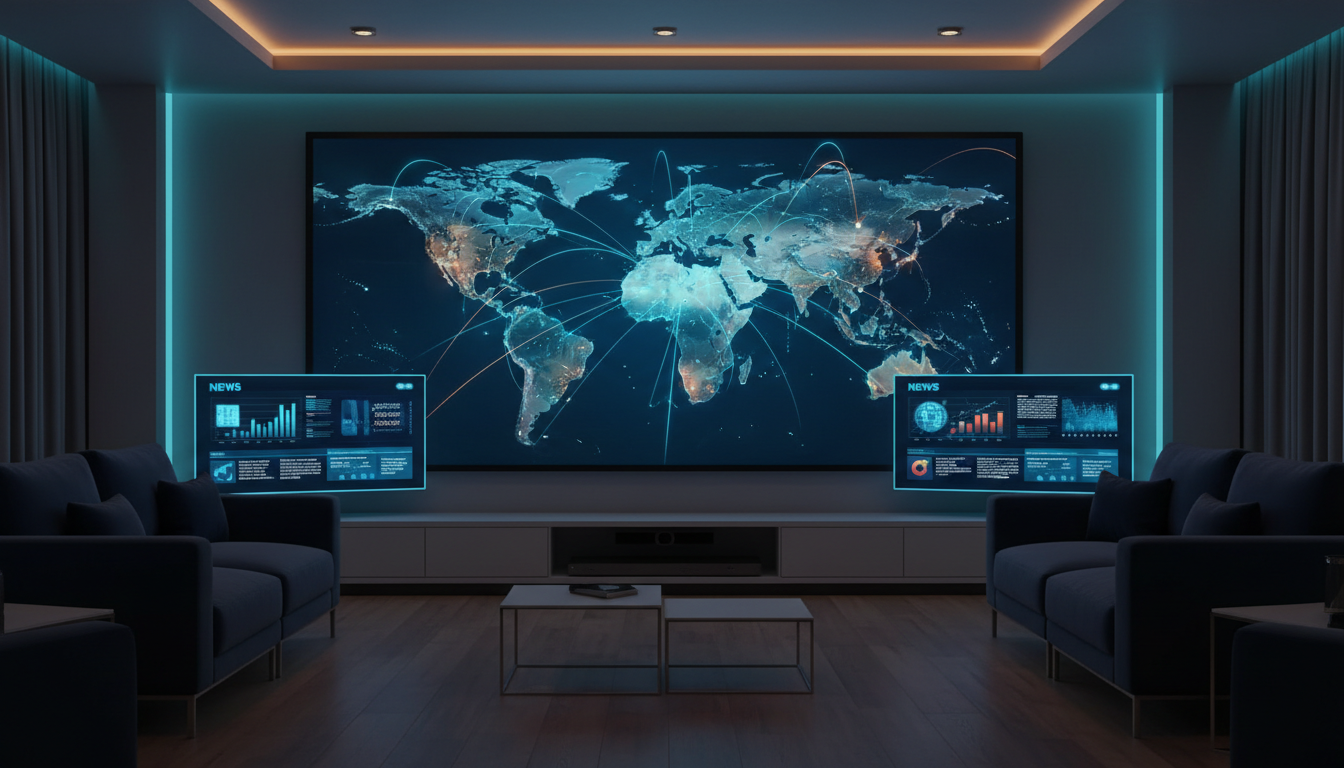
Choosing the right IPTV service for live news and global coverage takes more than picking the biggest channel list. In 2026, audiences expect low latency, reliable international feeds, accurate program guides, multiplatform compatibility and clear licensing. This guide explains what to look for, how to set up a news-focused IPTV workflow, performance and privacy considerations, and the legal cautions you should observe before subscribing.
What “best” means for live news and global coverage
When your priority is live news from multiple regions, “best” is a mix of three things: timeliness (low delay from broadcaster to viewer), breadth (access to relevant regional and international channels), and reliability (stable streams with good picture quality). Secondary but important qualities include an accurate electronic program guide (EPG), catch-up or DVR for missed broadcasts, multilingual audio or subtitles, and device support for phones, tablets, smart TVs, and media players.
Selection criteria — what to evaluate
Channel availability and editorial scope
Confirm that the provider includes the specific national and international news outlets you need. Look for regional bureaus and independent broadcasters in addition to major global networks if you want a balanced mix of perspectives. Provider lineups change frequently; check the current channel list and ask about transient feeds during major events.
Latency, format and quality
Live news benefits from low latency. Ask whether the service uses low-latency streaming technologies and whether streams are adaptive (ABR) so they adjust to network conditions. Verify codecs, resolution options, and whether HD or higher profiles are available for key channels—then check the provider documentation for current technical specs.
Reliability and redundancy
Find providers that run multiple CDN endpoints, fallback streams, and geographic redundancy to keep news feeds stable during high demand. Check for user reports of frequent outages and whether the provider publishes a status page or uptime SLA.
EPG, metadata and multilingual support
An accurate EPG is essential for navigating live news schedules across time zones. Good services include reliable metadata (program summaries, language, duration), timezone handling, and support for multiple audio tracks or subtitles—valuable for international reporting and live translation.
Device compatibility and user experience
Confirm apps for your devices (Android TV, Apple TV, Fire TV, iOS, Android, web browsers, and set-top boxes). Look for features like multi-view, fast channel switching, picture-in-picture, and secure account management. The user interface matters when you need to jump quickly between feeds during breaking news.
Practical setup steps
- Choose a reputable provider that lists the news channels and regions you need; confirm current channel availability in their documentation.
- Create an account, complete any identity verification required for licensed international content, and select a plan that covers concurrent streams and device types you use.
- Install the official app on your primary device(s). Avoid unofficial third-party apps unless they are explicitly supported by the provider.
- Test network performance from your location: use wired Ethernet where possible for the lowest latency and most stable bandwidth. If using Wi‑Fi, use 5 GHz or a modern mesh system and position your router to reduce interference.
- Configure preferences: EPG timezone, default language, DVR/catch-up settings, and notifications for breaking news where available.
Performance considerations
Bandwidth and network latency are the main constraints. Live news streams can vary in bitrate; adaptive streaming helps, but a wired 25–50 Mbps connection per HD stream is a safe baseline when multiple devices are active. If you rely on mobile networks, test during peak times and in the locations where you watch.
Router and home-network configuration also matter: enable Quality of Service (QoS) for streaming devices if you share bandwidth, keep firmware up to date, and minimize simultaneous high-bandwidth uploads that can increase latency. If your provider supports multicast within local networks, check how this is configured and whether your router and set-top box support it.
Privacy and security
Review the provider’s privacy policy for logging, retention and sharing of viewing data. Choose services that encrypt streams and protect credentials with strong authentication; enable two-factor authentication where offered. Be cautious about using public Wi‑Fi for sensitive accounts. If you choose to use a VPN for privacy or to access permitted regional content, verify that the provider’s terms and your local laws allow it and confirm any impact on latency and stream quality.
Legal and licensing cautions
Use only content and services you are entitled to access. Distribution rights for news channels vary by country and package; some channels are licensed for domestic distribution only, others for global feeds. Unofficial or unlicensed IPTV services may violate copyright and local laws — do not present unauthorized distribution as lawful. Always check the provider’s licensing statements and local regulations before subscribing.
A practical checklist
- Confirm the channel list and EPG accuracy for the regions you follow.
- Test latency and stream stability from your viewing location and devices.
- Use wired connections when possible; optimize Wi‑Fi and router settings otherwise.
- Review privacy policy, logging practices, and enable 2FA.
- Verify licensing coverage and local legal requirements for each channel.
- Confirm device app availability and concurrent stream limits for your household.
Finding the right IPTV service for live news and global coverage is about matching technical performance with licensed channel access and trustworthy operations. If you’d like help comparing current options, review CanzarTV’s subscription choices and contact our support team with questions about compatibility, setup, or licensing — we’ll help you get set up responsibly and reliably.

Canzar
Ready to stream? Pick your plan
Live TV, movies, sports and 10,000+ channels on any device — Firestick, Android TV, Smart TV, phone.
View Subscription Plans Compare Pricing
Moderation: Comments are reviewed before publishing. Be respectful and on-topic.
Guidelines: Share streaming tips, device help, or content recommendations. No spam, no promotions, no off-topic links.