
Last updated August 23, 2026 · Editorially reviewed by CanzarTV
Short answer: IPTV in the USA in 2026 is a mature delivery approach for live and linear television over IP that increasingly looks like traditional pay-TV in experience but remains defined by licensing and delivery choices. Consumers should focus on two things: (1) whether a service has transparent licensing and trustworthy delivery (DRM, multi-CDN, tokenized auth), and (2) whether the service supports the devices and latency/quality expectations you need. This article explains the technology trends, how to evaluate providers without making legal conclusions, device compatibility notes, safety guidance, and practical steps for choosing an IPTV service.
IPTV in the USA: What modern IPTV means in 2026
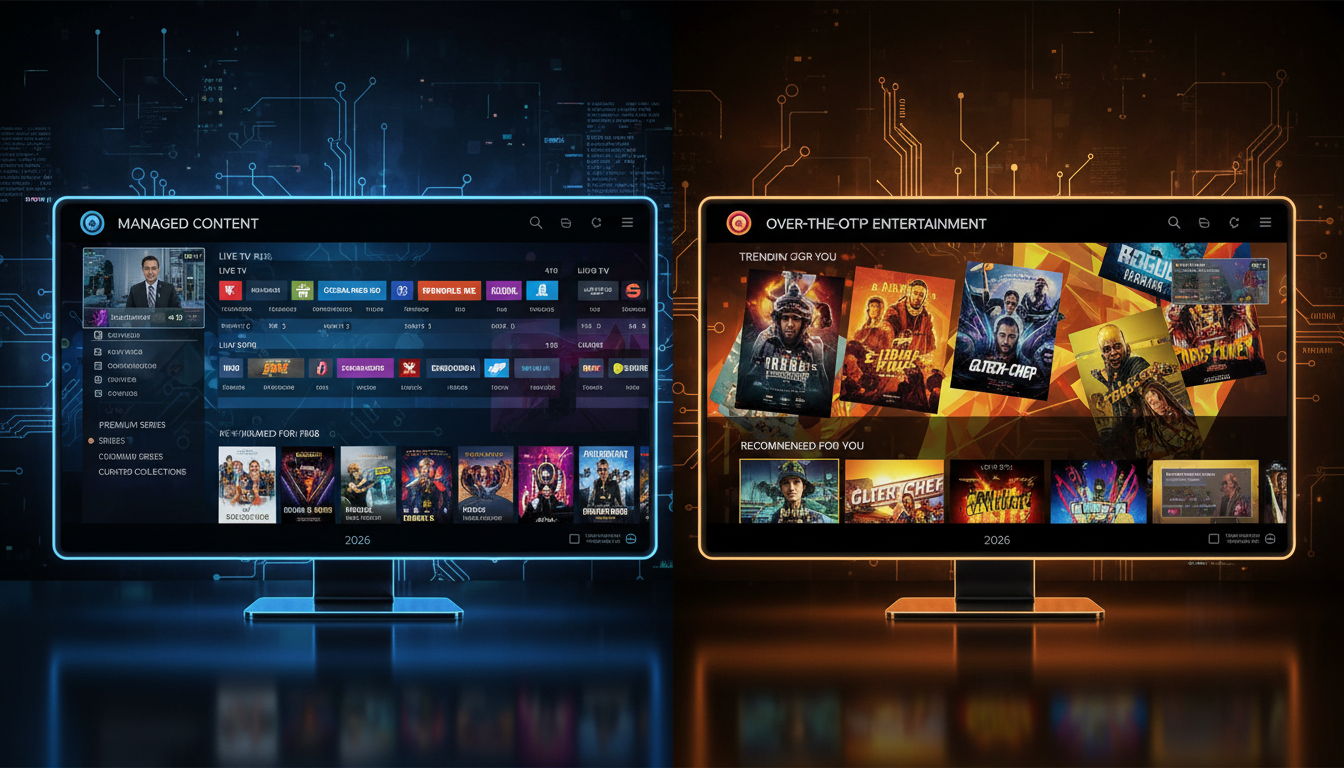
In everyday use the line between IPTV and over-the-top (OTT) streaming has blurred. Historically, “IPTV” described operator-managed delivery of TV over dedicated or quality-controlled IP networks, while “OTT” described apps running over the public internet. By 2026, many services combine elements of both. What still matters for consumers is how a provider delivers content (latency, reliability, DRM), how it sources rights, and whether it supports the devices you actually use.
Key distinctions retained in practice
- Delivery guarantees: Services that advertise managed delivery or multi-CDN architectures tend to provide more consistent live performance than single-origin OTT streams, though good OTT providers also use CDNs and edge caching.
- Integration and set-top support: IPTV deployments often integrate with operator middleware, set-top boxes, or specific Android TV platforms for things like channel lists, EPGs, and DVR — while OTT typically distributes through app stores.
- Licensing and carriage: IPTV services that operate like traditional broadcasters usually hold carriage or licensing agreements for channels; OTT providers may license content but distribute via apps.
What’s changing: trends shaping IPTV in 2026
Technical standards and consumer expectations have both evolved. Providers that invest in modern streaming stacks can offer lower latency, better video-per-bit efficiency, and stronger content protection.
Low-latency streaming and protocols
- Chunked CMAF with LL-HLS or LL-DASH is widely used to reduce live latency to a few seconds in most scenarios.
- HTTP/3 and QUIC help resiliency and faster start times on many networks.
- For use-cases that require sub-second latency (real-time betting or interactive gaming), WebRTC is sometimes used, but it’s not a universal replacement for chunked HTTP approaches.
Codecs, quality, and efficiency
- AV1 has become more common for delivering higher quality at lower bitrates; hardware decoding support has spread to many set-top boxes and smart TVs, but availability depends on device model and vendor.
- HEVC (H.265) and AVC (H.264) remain important for compatibility on older hardware.
- HDR and immersive audio formats are more broadly supported, but exact support varies by device and app.
Edge compute, personalization and AI
- Edge-based analytics and AI are used to optimize bitrate ladders, predict buffering, and personalize guides without sending raw viewing data to long-range servers.
- Dynamic ad insertion and server-side ad stitching (SSAI) are routine, with privacy-preserving targeting when providers commit to compliant practices.
Security, DRM and enforcement
- DRM systems such as Widevine, PlayReady, and FairPlay remain standard tools for protecting licensed content across platforms.
- Tokenized authentication and short-lived keys are common defenses against account sharing and automated ripping tools.
- Rights holders continue to use fingerprinting, watermarking and coordinated takedowns to reduce unauthorized re-streaming.
Legality and consumer risk: what U.S. viewers should understand
“Is IPTV legal in the USA?” is a question that depends on the provider’s rights, not the technology. The U.S. Copyright Office explains that copyrighted works are protected and that unauthorized uploading or downloading can infringe exclusive rights. In practice this means:
- Technology versus license: IPTV is simply a delivery method. Whether a particular IPTV service is legal depends on whether it has permission (licenses or carriage agreements) to distribute the channels and programs it offers.
- Provider responsibility: Legitimate services generally present clear terms of service, list the content they are authorized to distribute, and use recognized payment processors and DRM.
- Potential consumer risk: Consumers who knowingly subscribe to or assist services that redistribute content without permission may face civil liability; enforcement usually targets operators and sellers, but risk exists for users who actively facilitate piracy.
- Enforcement landscape: Rights holders and law enforcement continue coordinated efforts (domain seizures, takedowns, criminal prosecutions) focused primarily on large-scale infringement operations.
Legal and safety note
This article does not offer legal advice. If you need legal guidance about a specific service, consult a qualified attorney. For general information, see the U.S. Copyright Office digital FAQ. Do not use this guide to locate or access unauthorized streams, bypass subscriptions, or evade copyright enforcement.
How to evaluate an IPTV service without drawing legal conclusions
Rather than trying to determine a provider’s legal status on your own, use verifiable operational cues that signal legitimacy and consumer protection:
- Transparent licensing claims: Providers that list channel partners, network licensors, or rights-holders and provide contactable legal or business relations are easier to verify.
- Payment and billing: Use services that accept reputable payment processors. Anonymous cash-only sellers are a red flag.
- Technical hygiene: Multi-CDN delivery, DRM support (Widevine/PlayReady/FairPlay), tokenized auth, and clear EPG/catch-up metadata are signs of professional deployments. None of these guarantee legality, but they indicate investment in a sustainable service.
- Support and transparency: Responding customer support, published terms of service, and clear refund or trial policies indicate a consumer-facing company rather than a fly-by-night operation.
- Community and reviews: Look for technical reviews that describe latency, app stability, and device compatibility rather than just channel counts. Independent reviews should corroborate a provider’s operational claims.
Device and app compatibility: what to check before subscribing
Device support is one of the most practical constraints. Confirm whether a provider supports your TV, streaming stick, or mobile device and whether it recommends a particular player app.
Key device points to verify
- Check the provider’s app list and whether an app is available in your device’s official app store. For Samsung Smart TVs in the U.S., apps must be available in the Samsung TV app store and installation follows: Home > Apps > Search > Select app > Install. A Samsung Account is required for network-based smart services.
- On Amazon Fire TV devices, model capabilities differ. Amazon’s developer specifications list multiple Fire TV models (for example Fire TV Stick HD (2026), Fire TV Stick 4K Plus (2025), Fire TV Stick 4K Select (2025), and earlier 4K models from 2023). App support and performance can vary by model and storage size; check the provider’s compatibility notes for exact models.
- Android TV platforms and set-top boxes often rely on third-party players. For example, TiviMate (a popular Android TV player) describes itself as a media player where users add their own playlists; it’s intended for Android TV devices and is not optimized for phones or tablets. If a provider recommends a third-party player, verify whether it fits your devices and whether the player imposes additional configuration steps.
- Apple TV and iOS: many providers supply native apps or responsive HTML5 players, but DRM and codec support differ between devices and OS versions.
- Browser playback: an HTML5 player in a modern browser works for many scenarios, but live latency and DRM behavior can differ from native apps.
Technical checklist before you subscribe
Use this checklist when comparing services and reading trial notes:
- Does the provider document DRM support and device compatibility?
- Are delivery methods described (CDN, multi-CDN, or managed network)?
- Does the service offer cloud DVR, catch-up, and export/restore options?
- Is there an EPG, and does it use industry-standard formats (XMLTV or documented APIs)?
- Are there sample latency figures or testing tools for live events (not necessarily public benchmarks, but clear guidance on expected behavior)?
- Is customer support responsive and contactable via multiple channels?
- Are cancellation/refund terms and privacy practices spelled out?
Categories and what to expect from each
Different services aim at different audiences. Here are common categories and what to prioritize for each:
General-purpose pay-TV-style IPTV
- Look for broad channel lineups, cloud DVR, and polished apps. Prioritize licensing transparency and DRM.
Sports-focused platforms
- Prioritize ultra-low-latency workflows, multi-angle or multiview features, and official sports rights. Expect tighter regional blackouts and authentication rules depending on the rights agreements.
International and diaspora services
- These providers curate regional channel packs and localized EPGs. Check whether they have explicit rights for the territories they serve and whether codecs and bitrate ladders are optimized for lower-bandwidth markets.
Aggregator and slim bundles
- Licensed slim bundles that resell channels or aggregate licensed content are cost-effective for many cord-cutters. Confirm that channel distribution is authorized and that the provider uses established billing channels.
Case example: what CanzarTV publicly highlights
On its site, CanzarTV documents features such as multi-CDN delivery, support for modern streaming formats, cloud DVR and cross-platform app availability. Those are operational cues you can use when evaluating any provider. If you want to learn more about CanzarTV specifically, consider reviewing the service plans and contacting their support team for specifics about licensing and device compatibility before subscribing.
Practical troubleshooting and setup tips
- Start with a trial: Use available trials to test app stability, picture quality, latency, and EPG correctness on your devices.
- Check baseline network performance: For reliable HD or 4K live streams, a stable broadband connection and a Wi‑Fi mesh or wired Ethernet to your streaming device usually deliver the best experience.
- Prefer wired connections for set-top boxes: If possible, use Ethernet for the primary streaming device to reduce buffering and packet loss.
- Match codecs to device capability: If your TV box lacks AV1 hardware decode, a provider should have HEVC or AVC fallback streams.
- Use recommended player apps: If a provider recommends an Android TV player like TiviMate for playlist management, remember TiviMate describes itself as a media player for Android TV devices and not optimized for phones or tablets; expect configuration steps when using third-party players.
- Document issues with support: When you report playback problems, include device model, OS version, app version, screenshots, and network diagnostics to speed resolution.
Conclusion
IPTV in the USA in 2026 offers broadcast-like live TV experiences across a range of delivery methods. Technology improvements — low-latency chunked CMAF, AV1 adoption, HTTP/3, and edge optimization — mean better picture quality and responsiveness for many viewers. But technology is only one side of the equation: licensing transparency, DRM and authentication, clear billing, and responsive support are what separate sustainable, consumer-friendly services from risky offerings.
If you’re comparing options, use trials, verify device compatibility, read terms of service, and prefer providers that disclose licensing partners and technical architecture. If you want specifics about CanzarTV’s plans, device support, or licensing statements, review the CanzarTV plans page and contact their support for detailed answers before subscribing.
FAQ
Is IPTV legal in the USA?
IPTV as a technology is legal. Whether a particular IPTV service is legal depends on whether the provider has permission to distribute the content. Unauthorized redistribution of copyrighted material can be infringement. For general information, consult the U.S. Copyright Office.
Will IPTV work on my smart TV or streaming stick?
Compatibility depends on both the service and the device model. Many providers supply native apps for Android TV, Fire TV, Apple TV and web players. Samsung Smart TVs install apps only from the Samsung app store and require a Samsung Account for network-based services. Check the provider’s compatibility list and test any offered trial on your actual devices.
Does DRM mean I can’t record shows?
DRM protects content streams, but many legitimate IPTV providers offer cloud DVR or time-shifted viewing integrated with DRM. Recording rules depend on the provider’s rights agreements and the features they implement.
How do I spot an untrustworthy IPTV service?
Warning signs include anonymous sellers, cash-only or cryptocurrency-only payments without verifiable business registration, no responsive support, and lack of published terms or licensing information. Technical red flags include no DRM, primitive EPGs, and constant domain or service outages.
Can third-party players like TiviMate help?
Third-party players can simplify playlist management on Android TV devices. TiviMate describes itself as a media player only for Android TV where users add their own playlists and is not optimized for phones or tablets. If a service recommends using such a player, expect to configure playlists and check compatibility with DVR and EPG features.
Do I need a VPN for IPTV?
A VPN won’t make an unauthorized service legal and can introduce additional latency or compatibility issues with DRM and geo-restricted services. Use a VPN only for valid privacy or security reasons and verify that the provider allows VPN use in its terms of service.
Sources and further reading
Amazon Fire TV developer specifications (device comparison)
Samsung support: installing apps on Samsung Smart TVs
U.S. Copyright Office: digital copyright FAQ
CanzarTV (service information and plans)

Canzar
Ready to stream? Pick your plan
Live TV, movies, sports and 10,000+ channels on any device — Firestick, Android TV, Smart TV, phone.
View Subscription Plans Compare Pricing
Moderation: Comments are reviewed before publishing. Be respectful and on-topic.
Guidelines: Share streaming tips, device help, or content recommendations. No spam, no promotions, no off-topic links.