

Last updated August 18, 2026 · Editorially reviewed by CanzarTV
Regional IPTV content in India and Southeast Asia has shifted from niche offerings to a major part of streaming ecosystems. Viewers now expect localized channels, language-specific menus, regional VOD catalogs, and live sports or cultural programming tailored to subnational audiences. This article explains how that growth is changing the viewer experience, what to consider when choosing a provider or device in 2026, and practical steps to set up a reliable, lawful regional IPTV service.
What we mean by regional IPTV content
Regional IPTV content refers to live TV channels, on-demand libraries, and related metadata targeted at users in specific states, provinces, languages, or cultural communities within India and Southeast Asia. It includes regional language movies and serials, local news feeds, community channels, and locally relevant advertising and EPG (electronic program guide) data. Delivery uses internet transport—often adaptive bitrate streaming such as HLS or DASH for unicast, and less commonly multicast inside controlled networks.
Why growth is happening now
Several converging trends explain the recent expansion: improved mobile and fixed broadband coverage, affordable smart devices, increased investment by regional content producers, and stronger content discovery features in apps and platforms. Operators and app developers are better at packaging regional catalogs, adding multilingual metadata, and integrating DRM and subtitles, making regional offerings easier to find and consume.
Choosing a regional IPTV provider
Selection criteria should prioritize legality, content relevance, device compatibility, and performance. When evaluating providers, consider these factors:
- Content licensing and transparency: confirm the service holds rights for the territories and programming you plan to watch. Do not assume availability across borders.
- Language and metadata: look for comprehensive language support in menus, EPG, subtitles, and audio tracks.
- Device and DRM support: verify the provider supports the devices you use (smart TVs, Android TV boxes, iOS/Android apps, STBs) and the required DRM (Widevine, PlayReady, etc.). Confirm current device compatibility from the provider or manufacturer documentation.
- Simultaneous streams and account limits: check how many devices can stream concurrently under one subscription.
- Customer service and local billing: local payment options, invoicing in your currency, and responsive support are especially important for regional services.
Setup steps for a smooth experience
Follow these practical setup steps to minimize frustration when installing regional IPTV services.
- Pick a device: use a platform the provider officially supports. Smart TVs, Android TV/Google TV boxes, and dedicated set-top boxes typically offer the best integration. Confirm specific firmware and model support with the vendor.
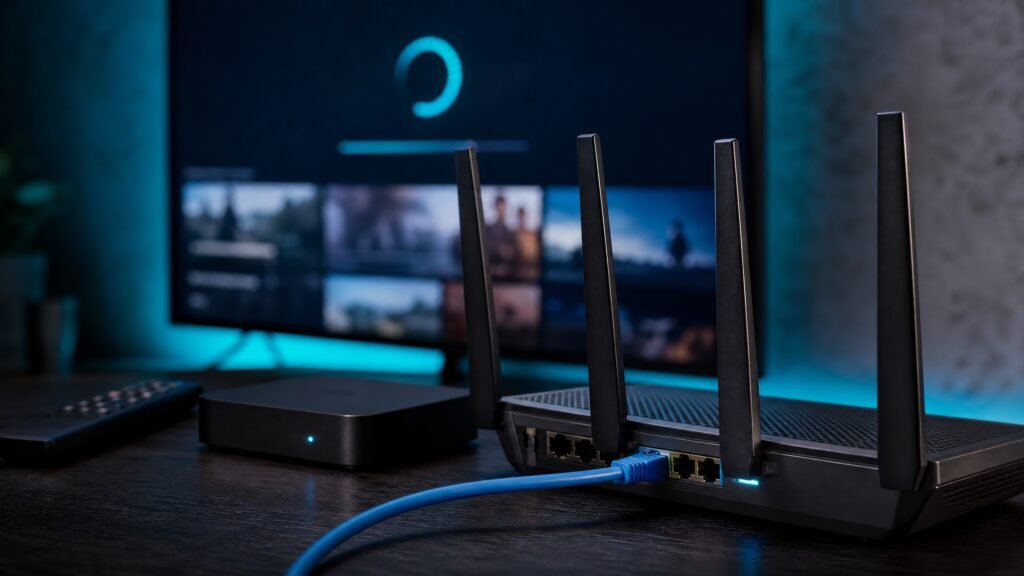
- Connect reliably: prefer wired Ethernet for set-top boxes or TVs for the most consistent live-channel playback. If using Wi‑Fi, use 5 GHz bands where possible and position the router to reduce interference.
- Install the official app: download the provider’s official app from a recognized app store rather than sideloading third-party players. Official apps maintain DRM and EPG integration.
- Sign in and configure: use secure credentials, enable two-factor authentication if offered, and configure subtitles and audio preferences for regional languages.
- Test playback and troubleshoot: run live channels and on-demand titles at different times. If you see buffering or quality drops, check your internet speed, reduce simultaneous streams, or consult the provider’s support documentation. Confirm any recommended network settings with the manufacturer or operator, since firmware and recommendations can change.
Performance considerations
Regional IPTV performance depends on both provider infrastructure (CDN, transcoding, DRM) and your home network. Adaptive bitrate streaming adjusts quality dynamically, but consistent throughput prevents frequent switches. Consider these points:
- Bandwidth headroom: allocate enough upstream/backhaul capacity for peak times and multiple devices. Your required bandwidth varies by resolution and codec—check provider guidance.
- Latency and live events: live regional sports or breaking news are sensitive to latency. Providers use low-latency streaming modes in some cases; confirm availability with the service.
- Network quality: enable QoS or prioritize streaming traffic on advanced routers if you share a network with heavy users.
- Edge caching and CDNs: regional providers often rely on CDNs that place content closer to users. If you see persistent issues, ask the provider if their CDN has regional presence in your area.
Privacy and responsible device use
Regional streaming apps collect data—viewing history, device identifiers, and sometimes location—to personalize recommendations and meet licensing restrictions. Review privacy policies and opt out of unnecessary tracking where possible. Some users consider VPNs for privacy; note that a VPN may not make access lawful and can violate terms of service. If you choose to use privacy tools, ensure they comply with local law and the provider’s policies.
Legal and licensing cautions
Always use services you are entitled to access. Licensing for regional channels and content differs by country and sometimes by state. Unofficial playlists, unauthorized set-top boxes, or services offering paid access to unlicensed feeds may infringe copyrights and expose users to legal and security risks. If in doubt, ask the provider for proof of licensing or consult local regulatory guidance. Rely on official apps and verified distributors to avoid service interruption and legal exposure.
A practical checklist
- Confirm the provider holds rights for the regional content you want to watch.
- Choose a supported device and confirm firmware/DRM compatibility with the provider.
- Prefer wired Ethernet or a strong 5 GHz Wi‑Fi connection for live channels.
- Review privacy settings and provider data collection practices.
- Test playback during peak hours and consult support for CDN/network issues.
Regional IPTV content in India and Southeast Asia is richer and more accessible than ever, but it comes with operational and legal nuances. Take time to pick a reputable, licensed provider, confirm device compatibility, and optimize your home network for the best viewing. For readers ready to subscribe, please review CanzarTV’s subscription options and contact our support team with any questions—our agents can help confirm device lists, regional availability, and setup guidance.

Canzar
Ready to stream? Pick your plan
Live TV, movies, sports and 10,000+ channels on any device — Firestick, Android TV, Smart TV, phone.
View Subscription Plans Compare Pricing
Moderation: Comments are reviewed before publishing. Be respectful and on-topic.
Guidelines: Share streaming tips, device help, or content recommendations. No spam, no promotions, no off-topic links.