
Last updated August 27, 2026 · Editorially reviewed by CanzarTV
Selecting a Router with a Strong CPU for Concurrent 4K Streams
Watching 4K content on one TV is demanding; serving several 4K streams at the same time raises the bar for your home network. The router’s CPU and related hardware determine how well a device copes with high-bitrate video, VPN tunnels, deep packet inspection, and advanced features such as QoS. This guide explains what to look for in a router CPU and related components so you can pick hardware that supports multiple simultaneous 4K streams reliably.
Why the router CPU matters for streaming
Streaming performance is about more than raw Wi‑Fi speed. When multiple devices request high-bitrate streams, the router must handle tasks that use CPU cycles:
- Routing and NAT (network address translation) for each connection
- Packet inspection for parental controls, QoS, or security features
- Encryption/decryption for VPNs or HTTPS inspection if used
- Managing multiple wireless connections and traffic queues
Routers use a system‑on‑chip (SoC) that pairs a CPU core count and clock speed with specialized hardware (switch ASICs, hardware NAT, AES accelerators). A stronger CPU helps when software-based processing is required; hardware offloads can reduce CPU load but vary by vendor and firmware. For the best router CPU for multiple 4K streams, balance raw processing, hardware offload support, and the rest of the platform.
Key CPU and SoC characteristics to evaluate
When scanning specs, focus on these attributes rather than model names or marketing labels alone:
- Cores and threads: More cores help when the firmware is multi‑threaded and when many simultaneous flows exist. Dual‑core or better is common in midrange and high‑end routers.
- Clock frequency (GHz): Higher clocks improve single‑threaded tasks, but total system performance depends on architecture and offloads.
- Microarchitecture and generation: Newer CPU cores tend to be more efficient per clock and include instruction-set optimizations useful for crypto and packet processing.
- Hardware offloads: Look for hardware NAT (sometimes called “hardware acceleration”), Ethernet switch ASICs that handle forwarding, and hardware crypto accelerators (AES engines) for VPNs.
- PCIe / bus bandwidth: Determines how fast the CPU can talk to Wi‑Fi radios, WAN/LAN controllers, and NVMe/USB devices. Bottlenecks here can blunt a fast CPU.
Note: manufacturers may not publish detailed SoC specs for every router. When in doubt, verify on the vendor’s product pages or the SoC maker’s datasheet.
Other hardware factors that matter
The CPU does a lot, but the following components also influence the ability to deliver multiple 4K streams:
- Wired ports and backhaul: Gigabit Ethernet is the baseline; multi‑gig (2.5G, 5G) ports or link aggregation reduce bottlenecks for high total throughput.
- RAM and storage: More RAM helps with connection tracking and caching; local storage (if supported) can benefit DVR or NAS-style features.
- Wi‑Fi radios and firmware optimization: A CPU can’t fix a weak radio or poor antenna layout. Mesh backhaul and Wi‑Fi 6/6E radios with good firmware are crucial for many simultaneous wireless streams.
- QoS features and implementation: Proper QoS scheduling reduces bufferbloat and ensures fair distribution of bandwidth.
- Thermal design: Sustained throughput requires a device that maintains performance under load; thermal throttling can reduce CPU performance.
Estimating your needs: how many 4K streams will you run?
4K streaming bitrates vary by service and encoding. As a planning baseline, consider a single 4K HDR stream may consume between 15–30 Mbps for efficient codecs up to 50 Mbps or more for high-bitrate streams. For multiple streams, multiply your estimate:
- 3 concurrent 4K streams @ 25 Mbps ≈ 75 Mbps total
- 6 concurrent 4K streams @ 25 Mbps ≈ 150 Mbps total
These numbers address WAN bandwidth; the router CPU must also manage packet processing, NAT, and any extra features (VPN, DPI). If you plan to use VPNs on the router or many security features, budget more CPU headroom.
Practical selection steps
Follow these steps to pick a router that will handle multiple 4K streams well:
- Define your typical and peak scenarios: count concurrent streams, include other heavy uses (gaming, large uploads, VPN).
- Check WAN bandwidth availability: ensure your ISP connection supports the summed bitrate.
- Prioritize routers with multi‑core SoCs and explicit hardware offload support—look for “hardware NAT,” AES acceleration, or WAN acceleration in spec sheets.
- Favor models with multi‑gig WAN or LAN ports or link aggregation if your backbone switches or NAS support it.
- Confirm firmware features: good QoS, VLANs, IGMP snooping (for multicast), and clear settings to enable/disable DPI or parental control offloads.
- Read manufacturer documentation and reputable reviews for real‑world throughput figures and feature limitations—don’t rely solely on marketing claims.
- Consider open‑source firmware compatibility (e.g., OpenWrt) if you want granular control; note that not all hardware offloads are available under third‑party firmware.
Comparison guidance: SoC classes and what they typically support
The table below gives a general idea of capability tiers. These are illustrative categories, not specific product recommendations; verify exact specs for any model you consider.
| Tier | Typical CPU/SoC characteristics | What it can often handle |
|---|---|---|
| Entry | Single-core or low-power dual-core, modest clock | One 4K stream + light browsing; may struggle with many simultaneous streams or VPNs |
| Mid | Dual-core to quad-core, moderate clocks; basic hardware NAT | 2–4 concurrent 4K streams wired; should handle QoS and several wireless streams with proper Wi‑Fi radios |
| High | Quad-core or higher, higher clocks, hardware NAT and crypto accel, multi‑gig ports | 4+ concurrent 4K streams, multiple VPN tunnels, heavy simultaneous Wi‑Fi use; suitable for small household with many devices |
Remember: the Wi‑Fi radios, number of clients, and presence of mesh/extenders also change real performance.
Router features to look for when streaming multiple 4K feeds
- Hardware NAT / offloading: Keeps packet forwarding efficient without maxing the CPU.
- Multi‑gig Ethernet or link aggregation: Increases wired throughput for NAS and WAN.
- VLAN and IGMP snooping: Important in setups with multicast IPTV or segregated networks.
- QoS and traffic shaping: Prioritize streaming traffic to avoid stalls during heavy usage.
- VPN hardware acceleration: If you run site‑to‑site VPNs or route streaming traffic through a VPN, hardware crypto helps maintain throughput.
- Sufficient RAM and active firmware support: Ensure the router will receive updates and has enough memory for connection tracking.
Tips to optimize an existing router for multiple 4K streams
If you’re not ready to replace hardware, try these practical tweaks:
- Prefer wired connections for streaming devices. Ethernet removes Wi‑Fi contention and offloads traffic from the radio.
- Enable hardware acceleration / hardware NAT if your router supports it and it’s safe for your setup. Sometimes security features rely on disabling offloads—balance needs.
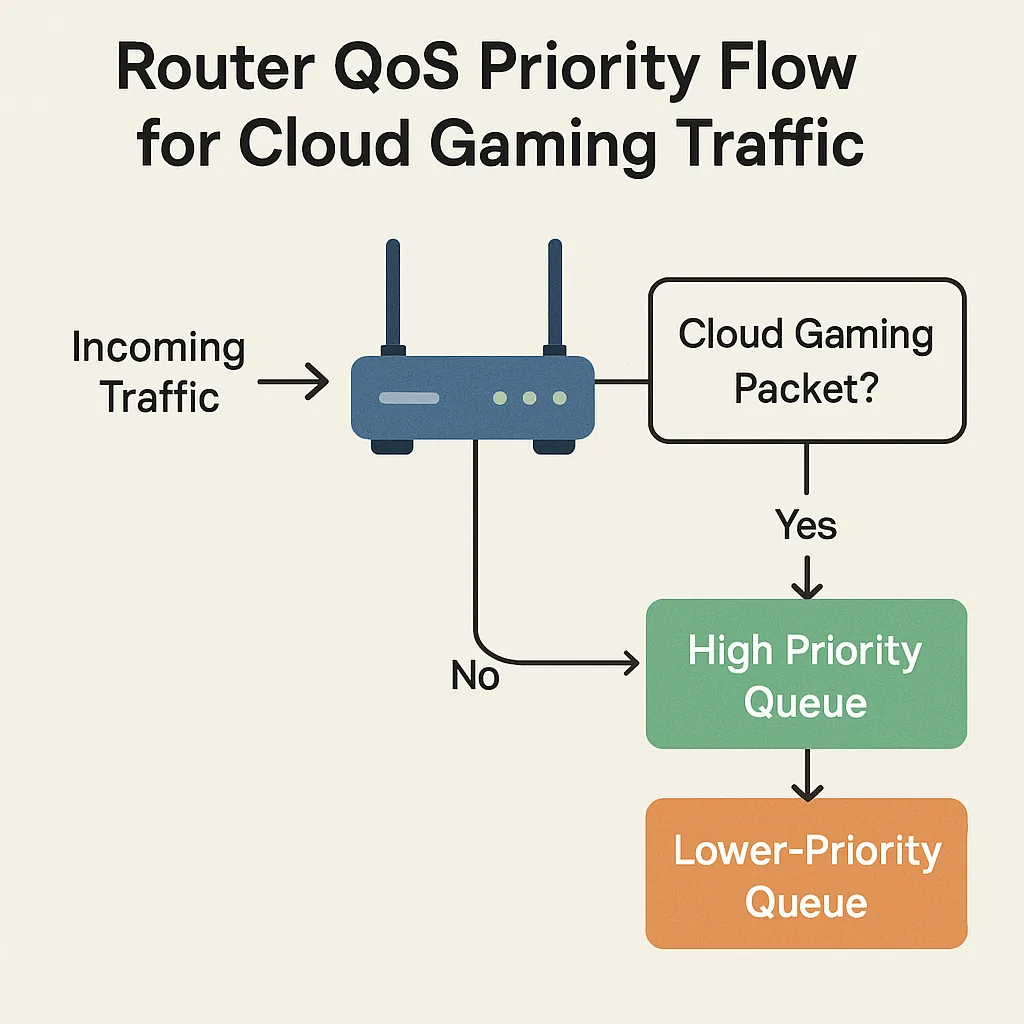
- Use QoS to prioritize media player traffic (if identifiable by port or device). Modern QoS often has presets for streaming.
- Reduce unnecessary features: disable DPI or logging if they’re not needed and are causing CPU load.
- If using mesh, choose dedicated wired or wireless backhaul that’s fast enough for aggregated streams; avoid single-radio nodes for heavy loads.
When to consider a network redesign instead of a new router
If multiple factors cause congestion, a stronger router may not be enough:
- Your ISP connection is the bottleneck — upgrading the router won’t increase internet speed beyond your plan.
- Wi‑Fi coverage or interference: multiple 4K streams over Wi‑Fi require robust coverage, possibly multiple access points or Wi‑Fi 6/6E gear.
- Internal network bottlenecks: older switches limited to 1 Gbps or single‑cable backhauls can limit aggregate throughput.
In these cases, upgrade broadband plan, add or upgrade switches to multi‑gig, or deploy better access points / mesh nodes.
FAQ
Q: How many CPU cores do I need to stream several 4K videos simultaneously?
A: There’s no single correct core count. For modest homes, a multi‑core (dual or quad) SoC with hardware offloads usually handles multiple 4K streams, especially when most traffic is wired or when the router supports hardware NAT. If you expect many simultaneous streams plus VPNs and security features, favor higher‑end multi‑core designs and verify real‑world throughput claims.
Q: Is Wi‑Fi speed or router CPU more important for multiple 4K streams?
A: Both matter. Wi‑Fi speed determines delivery to devices; CPU determines how well the router manages multiple flows, NAT, and additional services. For wireless-heavy households, invest in good Wi‑Fi radios/APs and a capable router CPU.
Q: Do hardware NAT and offloads always improve streaming performance?
A: Hardware offloads can dramatically reduce CPU load for basic routing and NAT. However, some advanced features (DPI, firewall inspection, certain QoS modes) may bypass or disable offloads. Check documentation to see how offloads interact with features you plan to use.
Q: Should I run VPN on the router if I need multiple 4K streams?
A: Router‑level VPNs can secure all devices but add CPU overhead unless the router provides hardware crypto acceleration. If you plan to route many streams through a VPN, verify the router’s VPN throughput under realistic conditions.
Q: Are firmware updates important for streaming performance?
A: Yes. Firmware updates can provide optimizations, security fixes, and better multi‑threading or offload support. Look for vendors with active update policies.
Example checklist before buying
- Count your typical concurrent 4K streams and peak usage.
- Confirm your ISP plan provides enough bandwidth.
- Look for routers with multi‑core SoCs and explicit mentions of hardware NAT or crypto acceleration.
- Prefer devices with multi‑gig Ethernet or link aggregation if you expect high aggregate local traffic.
- Check for QoS, VLANs, IGMP snooping, and proven Wi‑Fi radio performance.
- Read current reviews and manufacturer or SoC datasheets; verify claims for your region and firmware version.
Conclusion
A router’s CPU is a key factor when you need to serve multiple 4K streams concurrently, but it’s one part of a larger system. Aim for a balanced platform: a multi‑core SoC with hardware offloads, adequate RAM, modern Wi‑Fi radios, and multi‑gig wired options where needed. Always cross‑check vendor documentation and independent reviews to confirm a model’s real‑world streaming capabilities before buying. If wired backhaul, ISP speed, or access point coverage are limiting, address those areas along with the router for the best experience.
Disclosure: Settings, feature availability, and compatibility can differ by TV, streaming device, operating system, region, and firmware version. Verify details with manufacturer documentation and current reviews for the exact router model you’re considering.
For more on configuring networks for streaming, see our guides in Devices & Setup and browsing suggestions in Tech & Security. For related tips on stream quality and settings, check Streaming Guides.

Canzar
Ready to stream? Pick your plan
Live TV, movies, sports and 10,000+ channels on any device — Firestick, Android TV, Smart TV, phone.
View Subscription Plans Compare Pricing
Moderation: Comments are reviewed before publishing. Be respectful and on-topic.
Guidelines: Share streaming tips, device help, or content recommendations. No spam, no promotions, no off-topic links.